Calls
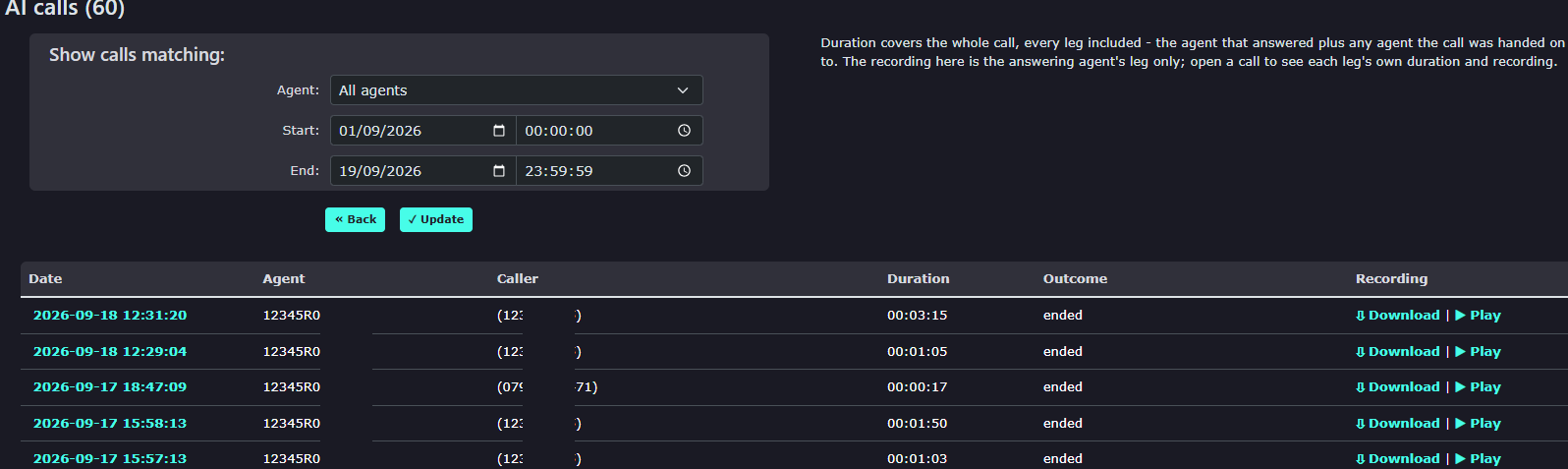
Calls can be found under the AI submenu in the left menu.
|
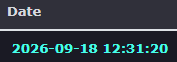
Date and time to show the start of the call. |
|
|
|
The Agent ID identifies the type of agent used. There are currently 3 types of agents, and the letter indicates the type. This is R for Receptionist. There are also A for Assistant and E for Expert. |
|
Caller details the number of the person who called and spoke to the agent. |
|
|
|
Duration shows the length of the agent's call with the caller(s) |
|
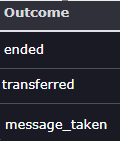
Outcome indicates the final part of the call; this will either be the call ended, transferred to another person or a message was taken. |
|
|
|
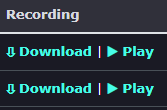
You can play or download the recording using the following buttons. |
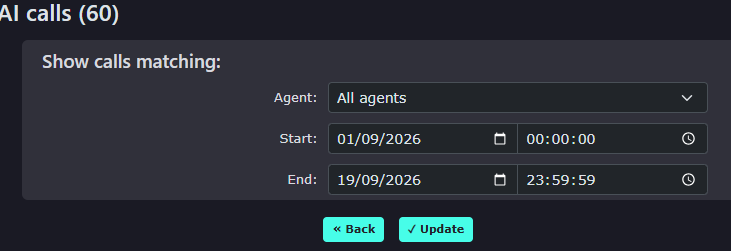
| You can search for the calls by picking a date and time range in the 'show calls matching' search box |
|
|
|
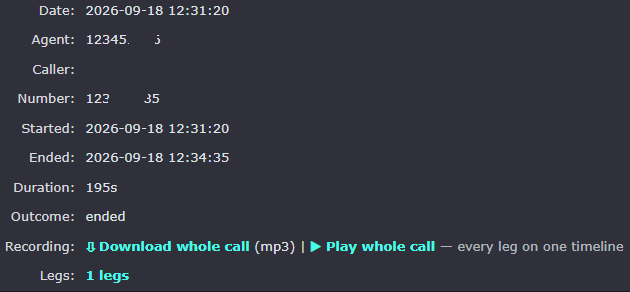
At the top of the page, you will find some details about the call. You can play the audio file of the call and also use the download option to save the call recording to your PC |
| Clicking the Time and date of the selected call will show you the full transcript of the call and what the agent and caller said. |  |
|
|
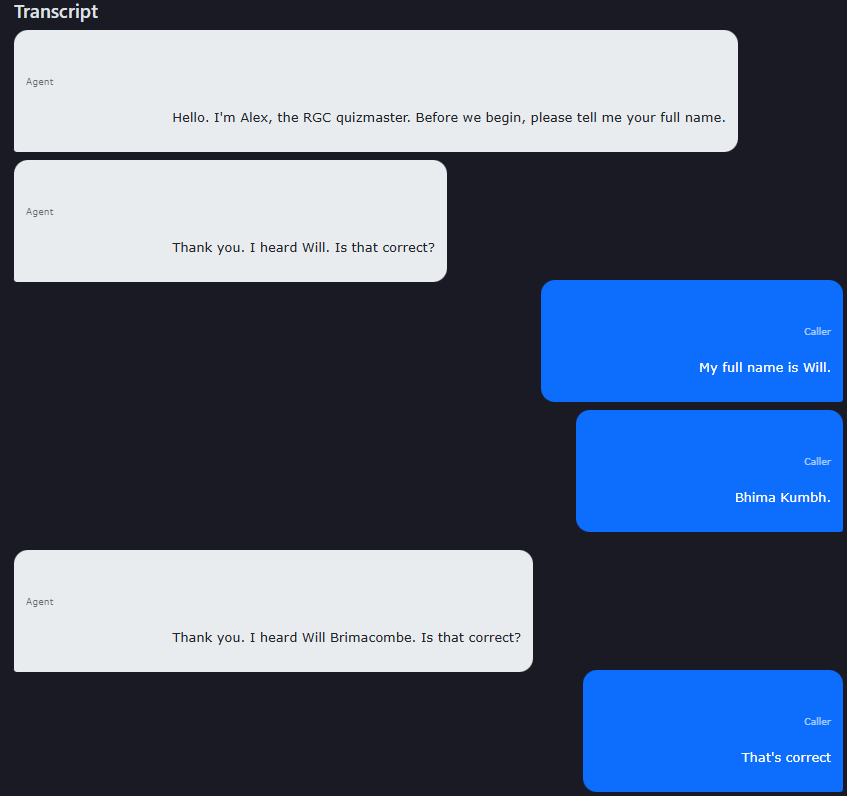
You can see the agent's spoken words in white and the caller's spoken words here in blue
Press the back back on the bottom of the page to return to all |