Extensions - Bulk Change
Bulk Change
|
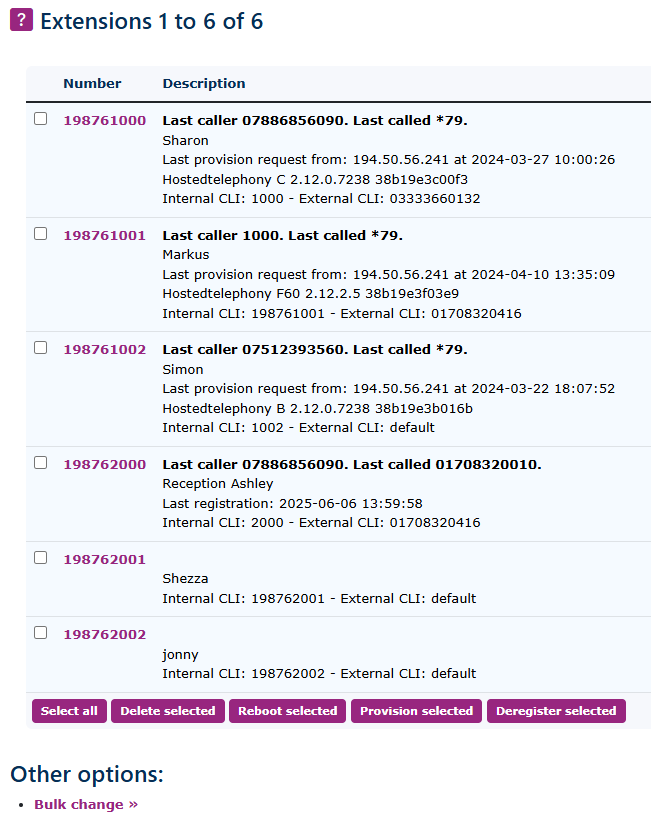
At the bottom of the main Extensions page, you will find the option for bulk change underneath other options. |
|

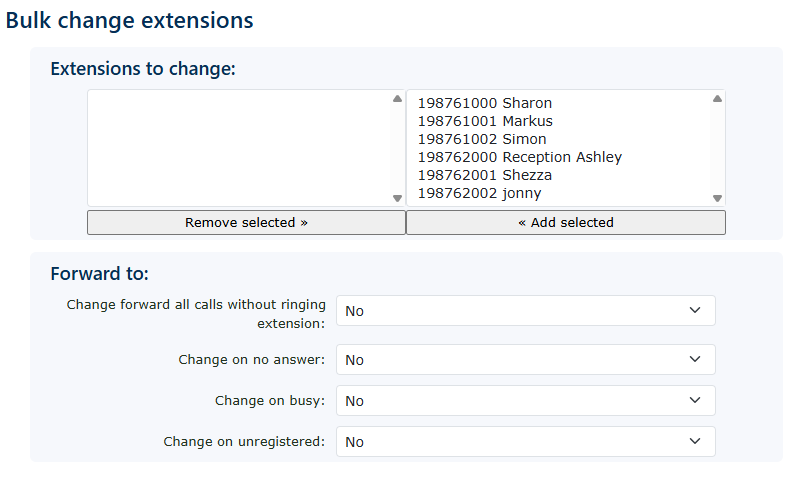
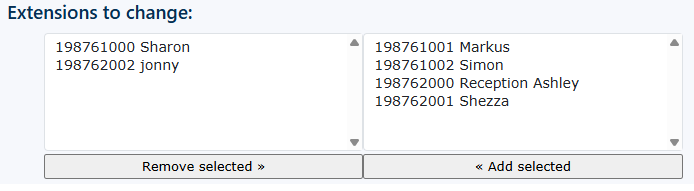
| First, add only the extensions you wish to modify. Move these extensions from the right box to the left box. |
|
|
|
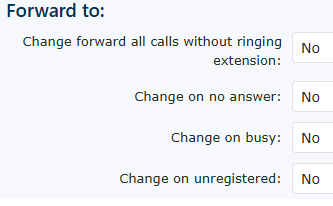
You can choose your forwarding options. |
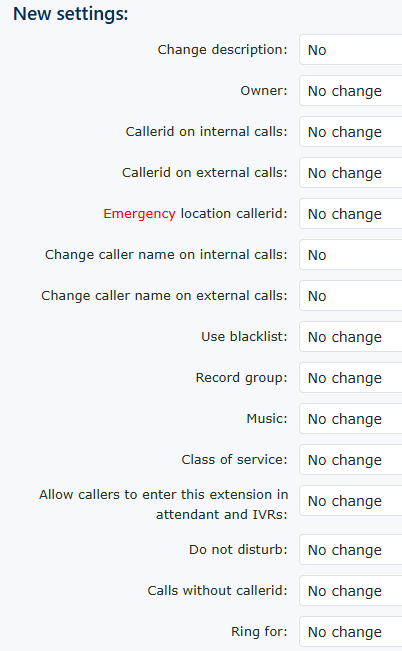
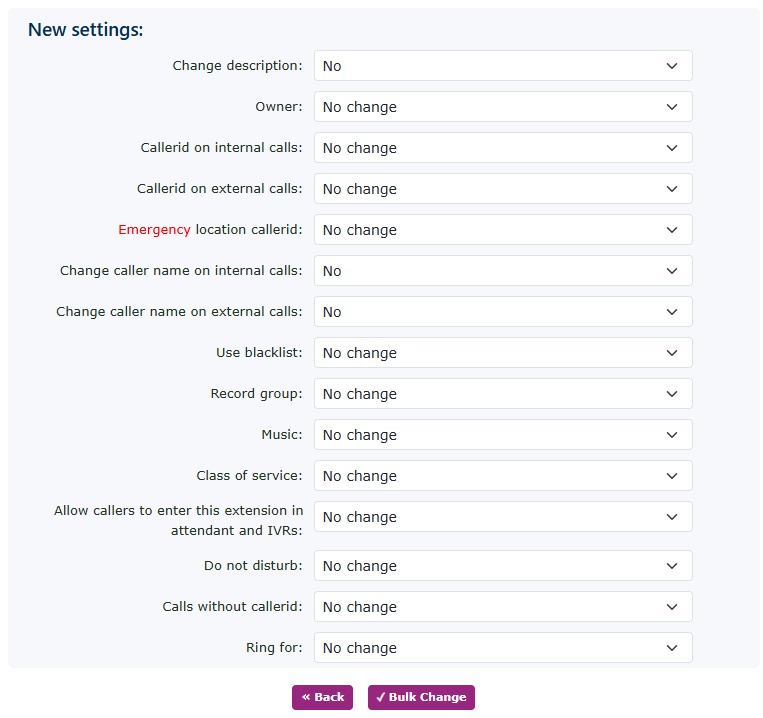
| Plus any of the extensive features which are included in the extension setup page. |
|
|
|
Don't forget to press the bulk change button to save your changes. |