Video calling enabling
| You can enable and disable video calling using the settings on the system setup page. Click on your picture avatar. |
|
|
|
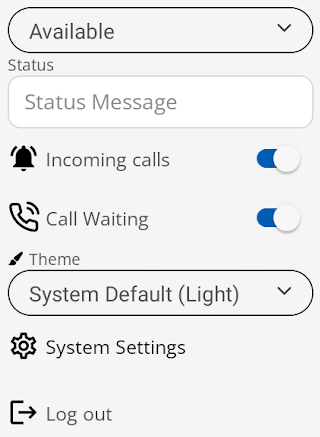
This will open the following settings dropdown menu.
|
| Select the System Settings option. |
|
|
|
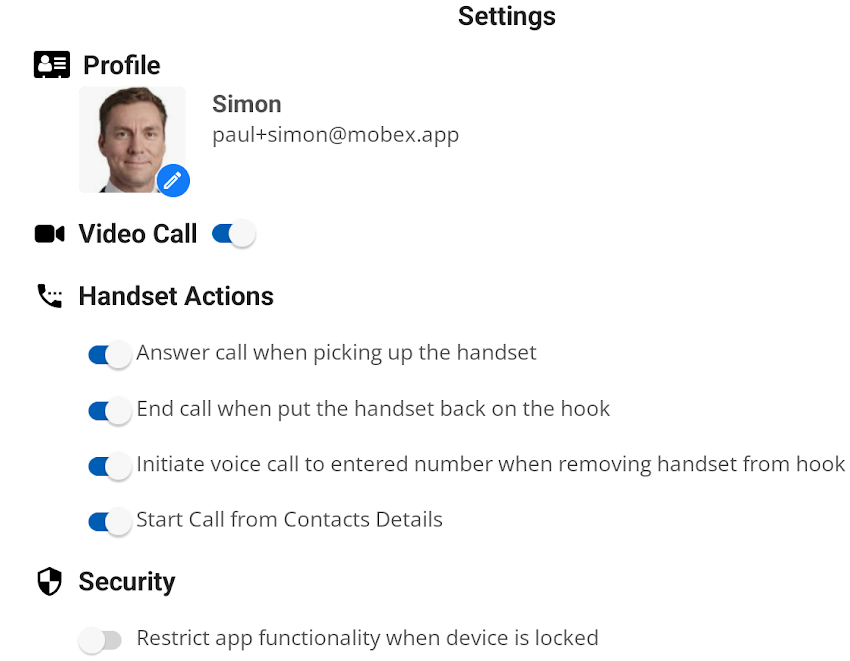
This will then open the whole system settings page. |
|
Toggling the video call switch enables or disables video calls. This will stop someone from being able to video call you or you from video calling them if it is disabled. Likewise, if it is enabled, you will be able to video call others using MobeX, and they can call you. |
|