In-call Cloud Phonebook updates
The In-Call Cloud phonebook icon will appear when a new inbound or outbound call is made from the device.
|
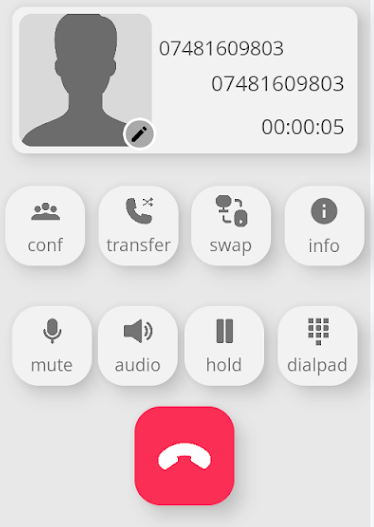
When you have a call in progress, regardless of whether it is an inbound or outbound call.
It may provide you with information about the caller. If the information has not been populated before, you can update the details. |
|
|
|
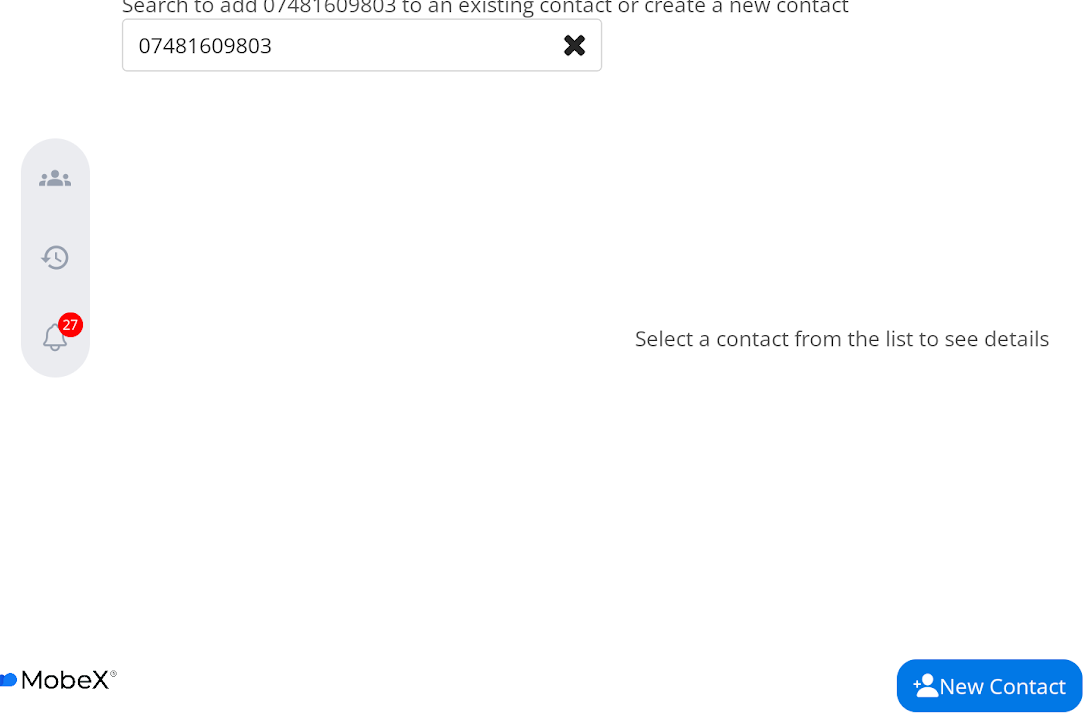
Press the pencil in the corner of the picture, and this will allow you to add this number to the Cloud Phonebook whilst you are in the call. |
| You can now press the "New Contact" button to enter the caller's details. |
|
|
|
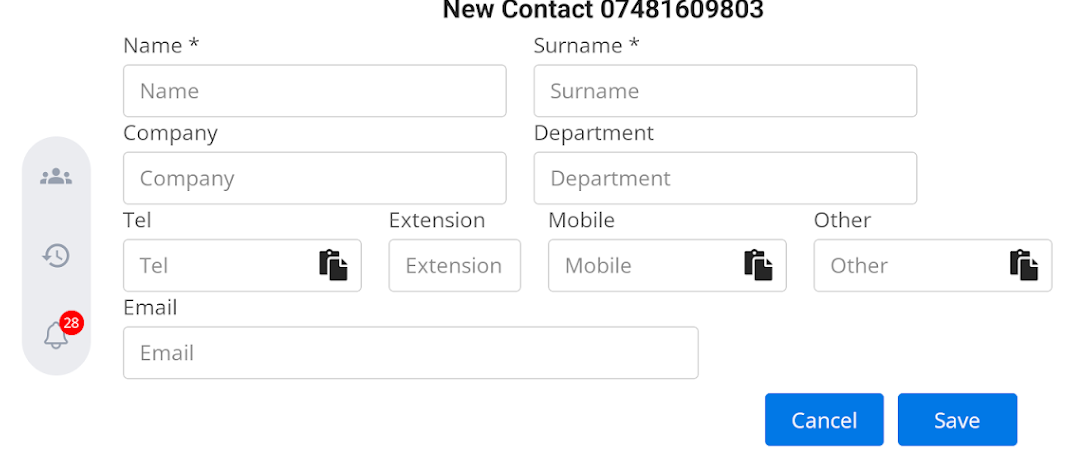
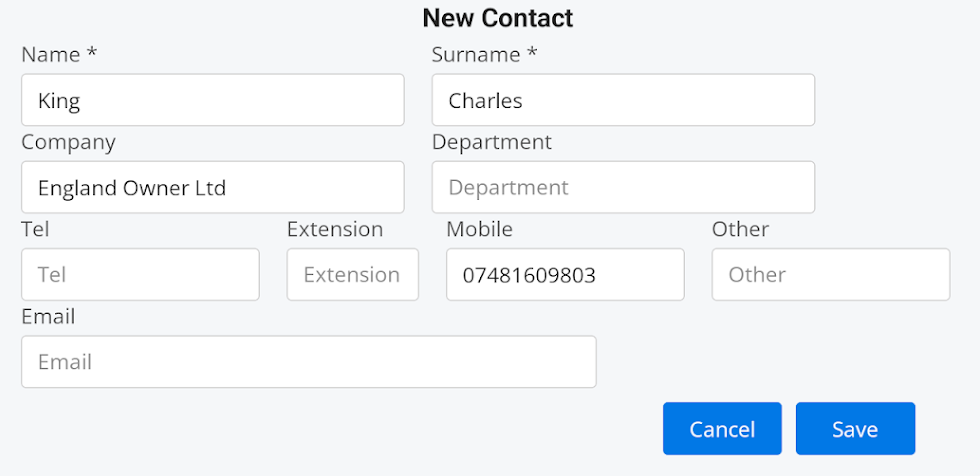
Enter the person's details.
Press |
| Provide as much information as possible, as this will be useful when the caller calls back, or if you wish to contact them or send them a message. |
|
|
|
Press the save button. It could take up to 5 minutes for the Cloud Phonebook to sync with all handsets, including the device from which you have entered the details. |