Incoming Call Notification
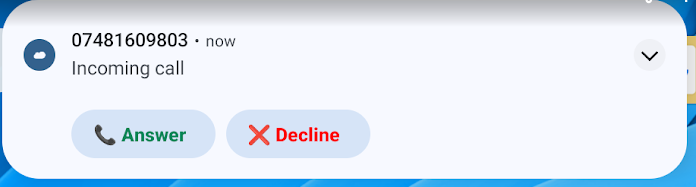
| Incoming call notification works in the same way as all notifications on any Android device. If you are not using or have closed the MobeX app. A notification window will pop up on the right-hand side at the top of the screen. |
|
|
|
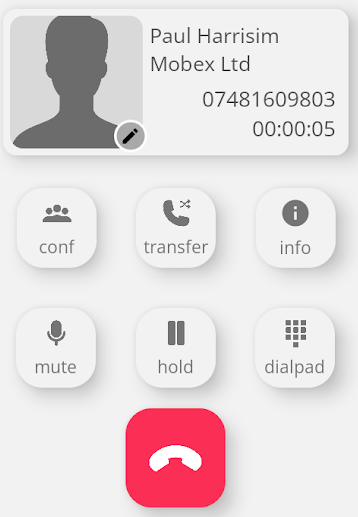
When you press answer, the MobeX screen will open, and the call will be answered. |
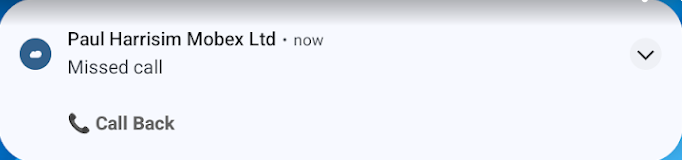
| If you miss a call, a pop-up notification will appear. |
|
|
|
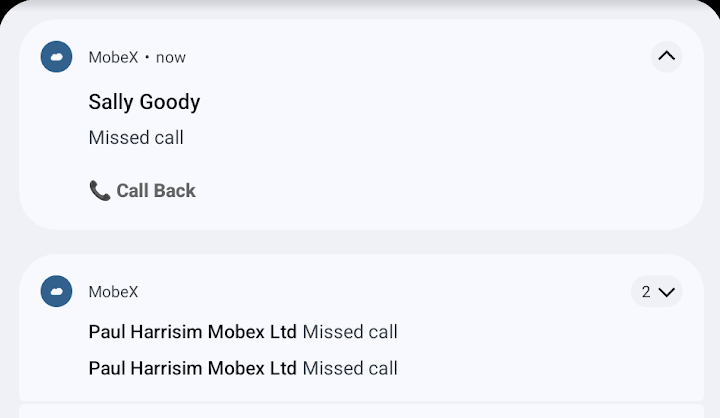
Again, these notifications can also be found in the Android notification window. This will list all the MobeX. |