Security Settings
| To provide some extra security for the use of your handset. It is possible to restrict some features within the MobeX software. To enable and disable this feature first click on your picture avatar on the top right of the screen. |
|
|
|
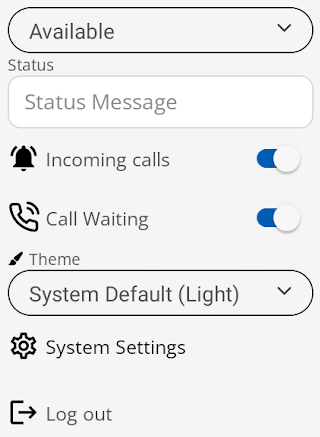
This will open the following settings dropdown menu.
|
| Select the System Settings option |
|
|
|
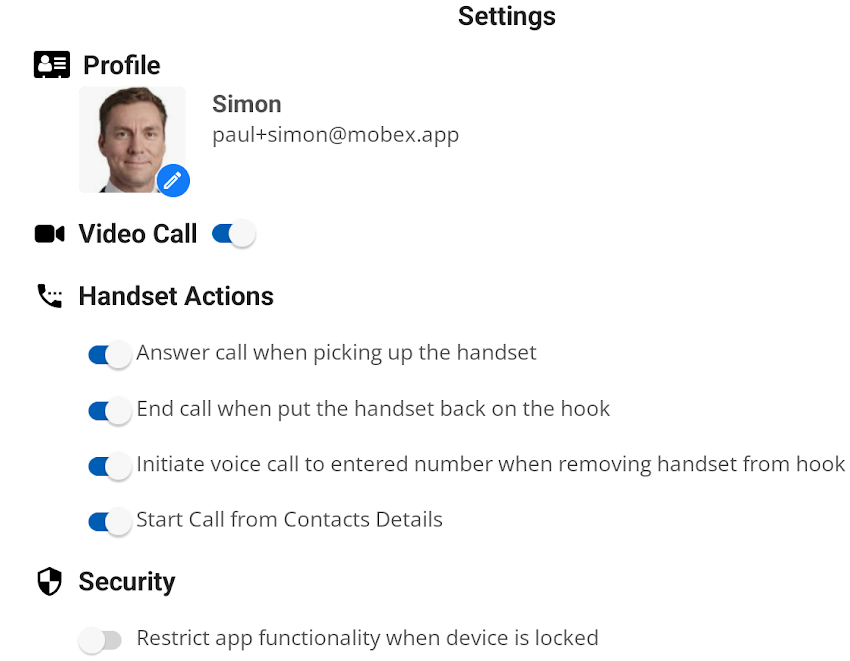
This will then open the full system settings page. |
| At the bottom of the page, you will find the toggle switch to enable and disable the security function. |
|
|
|
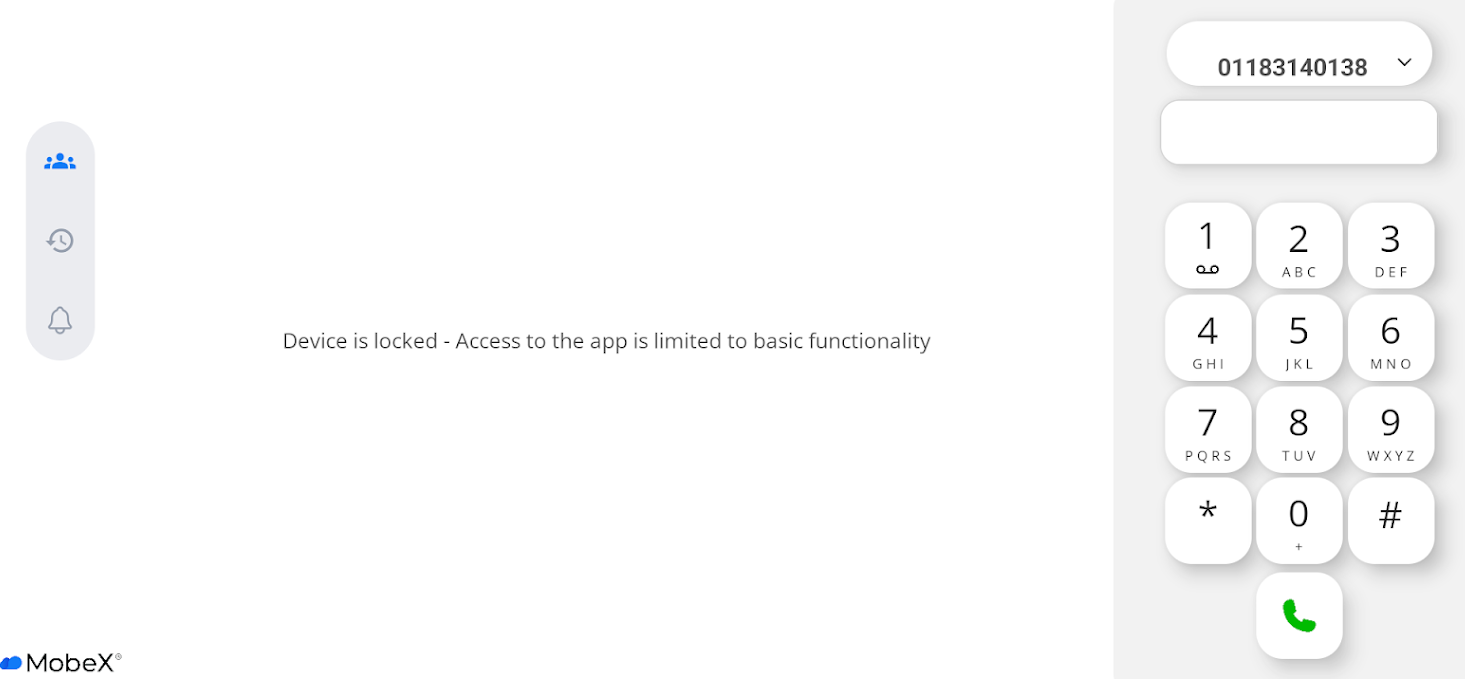
When the security function is enabled, this works in tandem with the Android locked screen. It will remove the ability to view all feature screens, such as presence, call history, and notifications. It is still possible to make and receive phone calls, as well as receive video calls. |
|
The padlock indicates that the security mode is enabled. This is visible at the top of the screen. |
|