Favourites tab
|
|
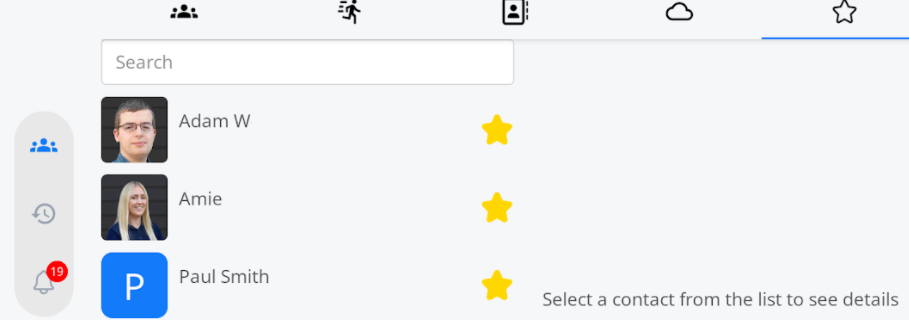
The favourites tab can be found using the following icon at the top of the tablet. |
| The favourites tab allows you to save frequently used contacts in your own personal favourites tab, making it easy to find them. |
|
|
|
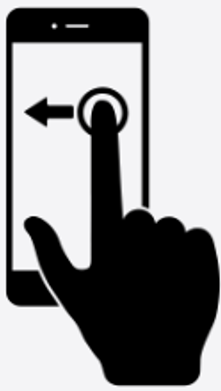
Swiping left will take you back to the cloud phonebook screen. |
|
|
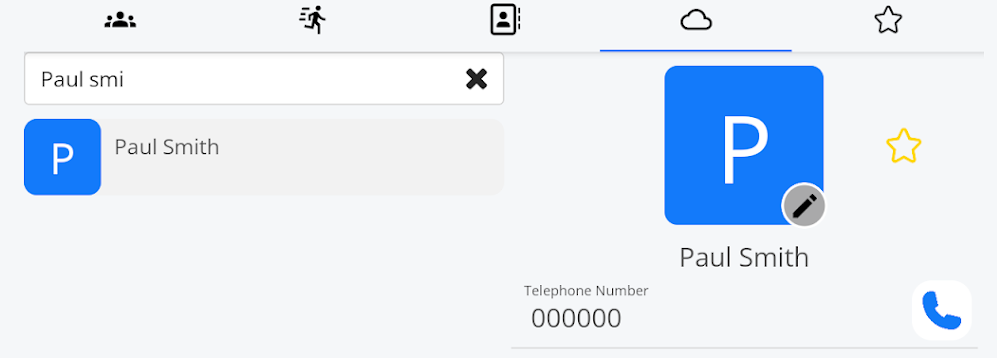
Cloud Phonebook contacts can be easily added to your favourites tab by selecting the star  by the side of the contact icon. by the side of the contact icon. |
| Your favourites will then appear in the list you created. |
|
|
|
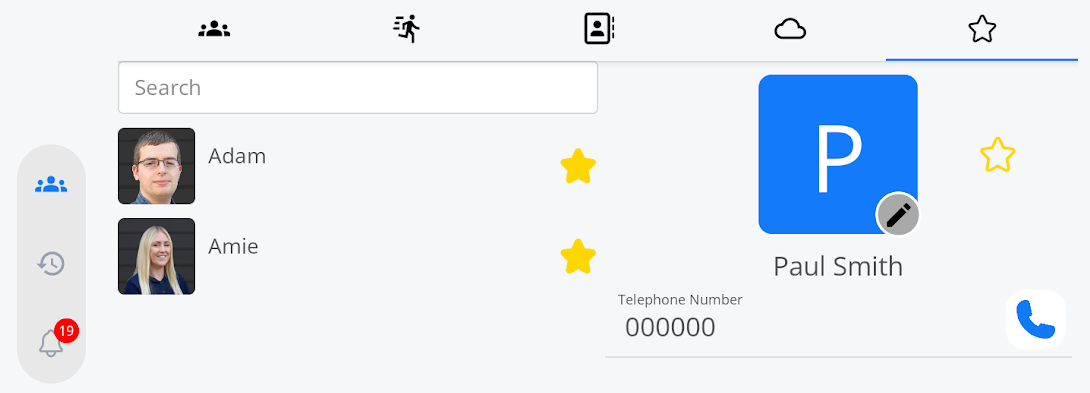
To remove a favourite, click on the name you want to remove from the list. Once it is shown on the screen on the right, unselect the star, and the favourite will be removed from your favourites. |