Conference calling (3 party)
| A three-party conference can be set up whilst in a call with another person. |
|
|
|
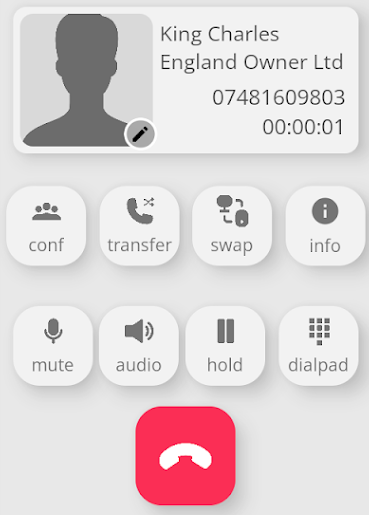
Pressing the conf button will show the following screen. |
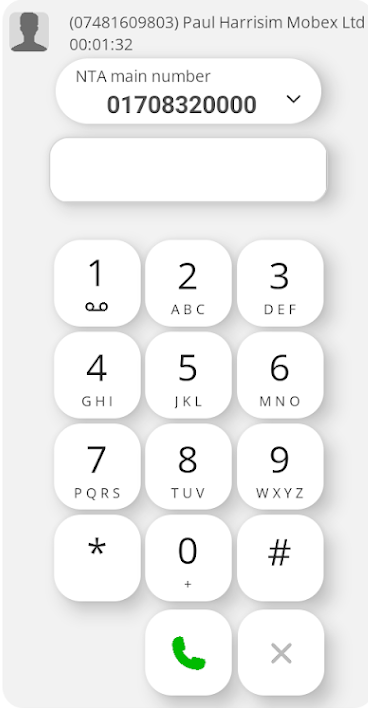
| It has placed the other party on hold and opened the dial window to allow you to dial another number of your choice. |
|
|
|
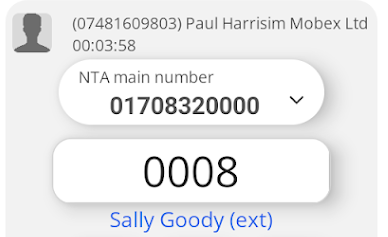
You can dial the number in the dial pad box or you could select one of your contacts. |
|
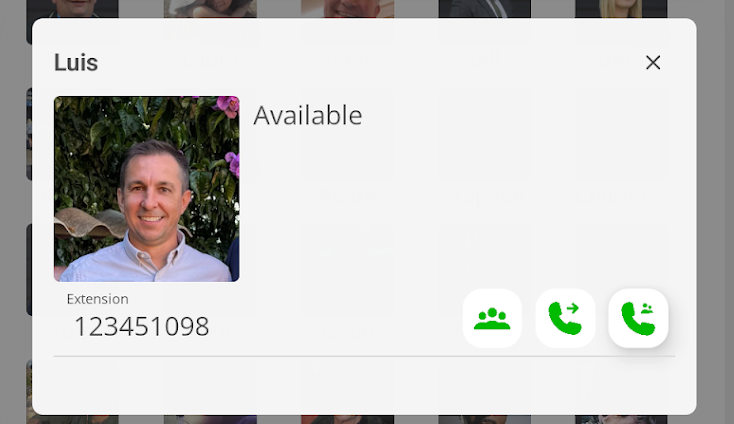
Pressing one of the presence contacts will show the following pop-up window.
Pressing the |
|
|
|
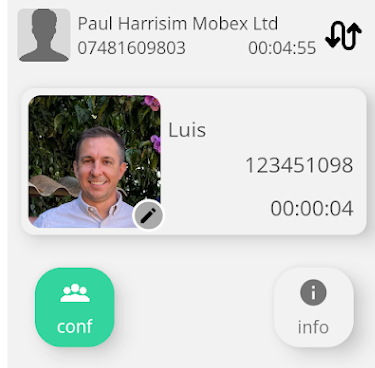
You can shuttle between the two calls by pressing the swap icon button.
Or you can continue with the conference by pressing the green conference button |
|
All parties are now in the conference. |
|




Useful Tip.
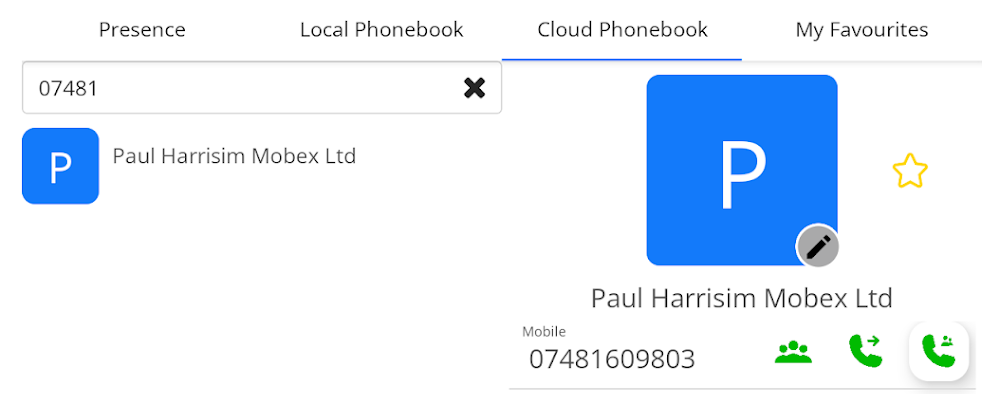
| You can also add a third-party contact to the conference from your local contacts, Cloud Phonebook, or My Favourites. |
|
|
|
Press the conference key. |
| All parties are now in the conference. |  |