Speed Dials
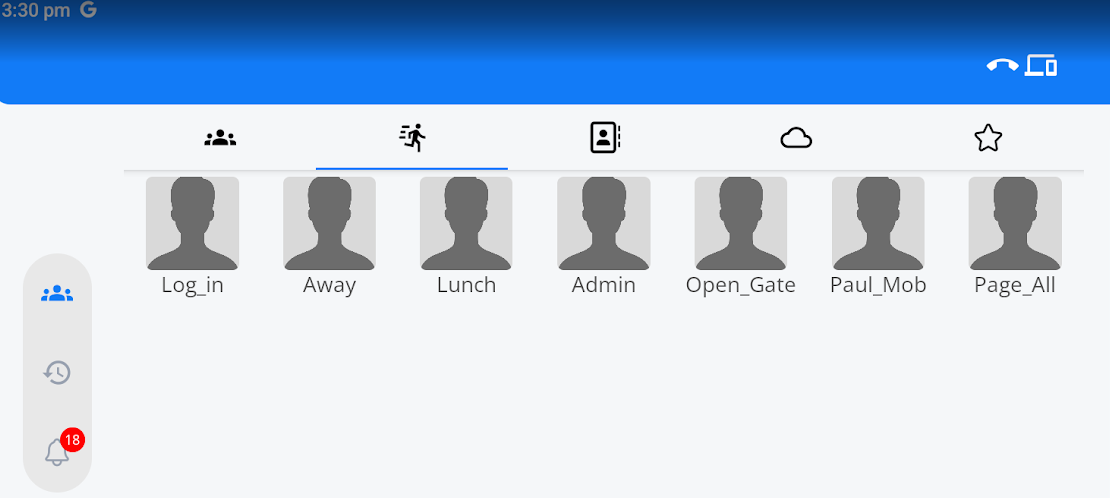
| Speed Dials can be found by selecting the speed dial icon at the top of the page. |
|
|
|
Speed Dials are added to the MobeX Touch via the auto provisioning system on the portal. Please speak to your Administrator or Telephone system provider.
They can be used for frequently dialled numbers, such as login and logout codes for being part of a queue, sending codes to open external devices (requires compatible equipment), manual speed-dial numbers, or dialling feature codes on the telephone system. |
|
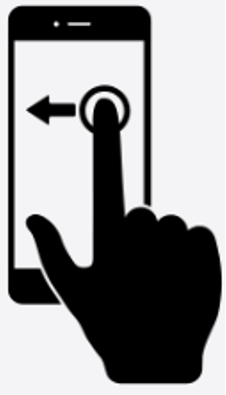
Swiping left will take you to the presence screen. |
|
|
|
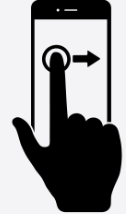
Swiping right will take you to the local contacts screen. |
|
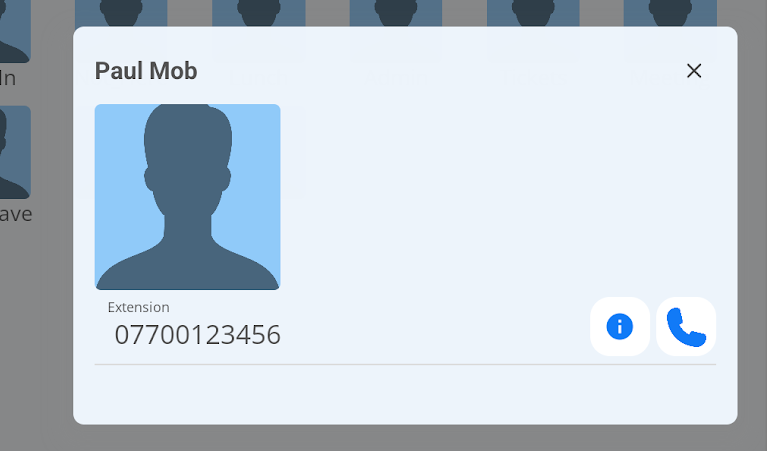
By clicking on Speed Dial, two options will display.
|
|
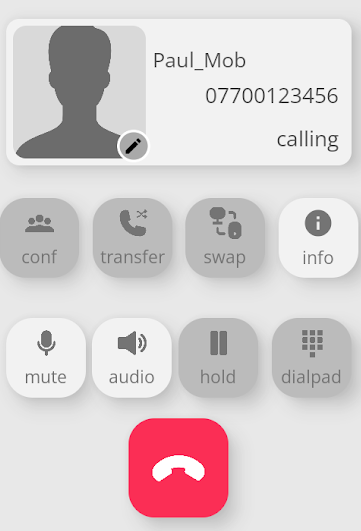 |
The details will then appear in the dialpad screen. |