Call Waiting Options
|
Call waiting is a selectable option that allows more calls to be delivered to the device even when you are on an existing call.
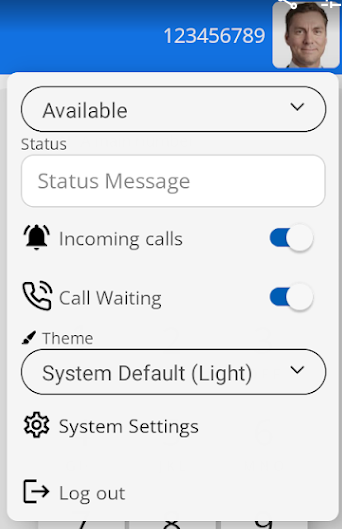
It is enabled and disabled under settings.
Click on your picture icon to show the call waiting settings.
You can toggle the switch to turn it on and off. It is on by default. |
|
|
|
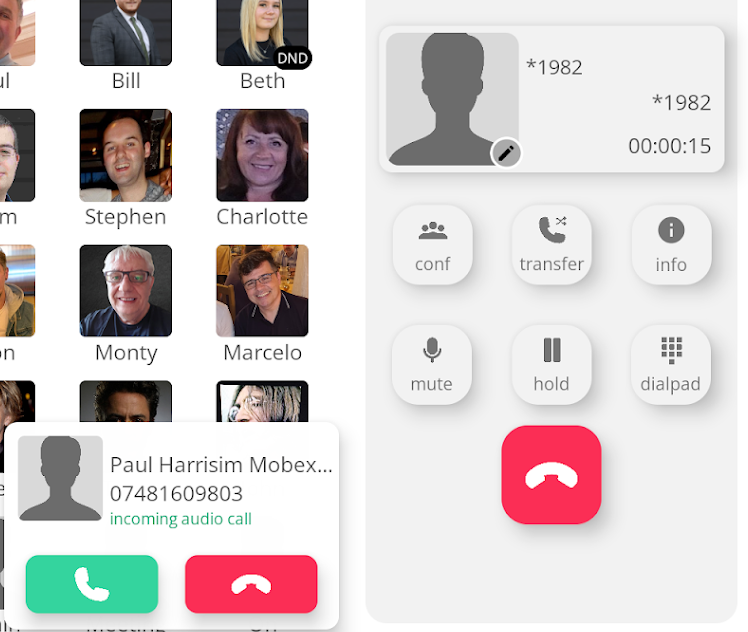
Whilst you are on a call. If a new call arrives at your device. A new pop-up window will appear on the left-hand side of the dial pad.
You can choose to answer or reject the call by pressing the green answer button or red hang-up button. |
|
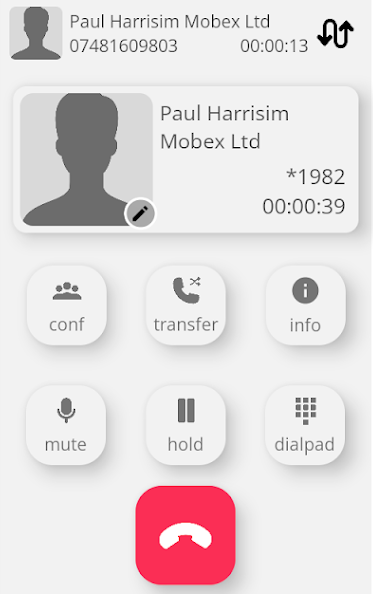
Once the call is answered, it will place the first call on hold.
|
|
|
|
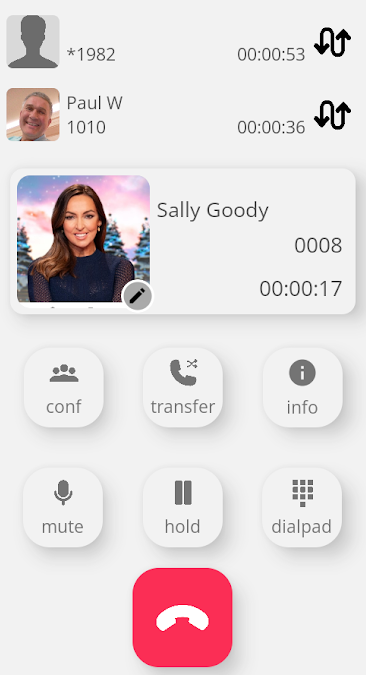
You can shuttle between the two calls by pressing the swap button
|
|
You can receive up to two additional calls while speaking to the first caller, allowing you to shuttle between all three callers.
Any additional calls will be sent to the default busy location. (Normally, your voicemail.) |
|