Call Answer
Answering an inbound call
|
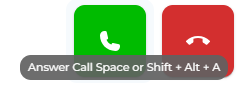
When receiving an inbound call, you can answer it in two ways:
The first is to press the green Answer key. |
|
|
|
The second is to use the shortcut keyboard keys. This can be done by pressing the space bar or by pressing Shift + Alt + A.
Keep in mind that you need to be using the tab for these key actions to work. If you click on a different tab or a different program, this will not work. |
|
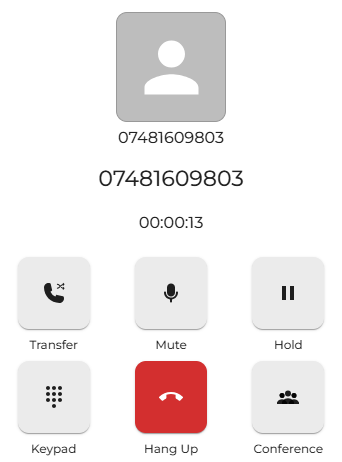
After answering an inbound voice call, you can choose to perform many functions.
|
|
|
|
To end the current call, press the red hang-up key, which will terminate the call.
Again, the shortcut keyboard keys for this are Shift + Alt + E.
Keep in mind that you need to be using the tab for these key actions to work. If you click on a different tab or a different program, this will not work. |