3 Way conference
Conference calling (3-way)
|
|
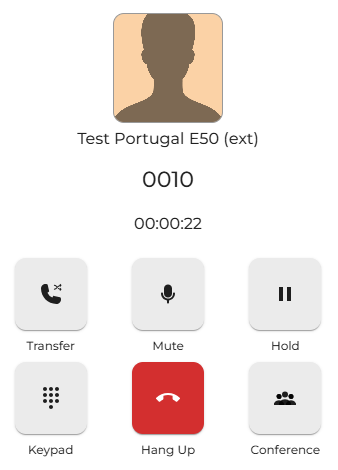
Whilst in a call with another party. You can create a dynamic call conference with up to two other parties by placing the first caller into the conference room.
Press the conference button to start the conference.
|
|
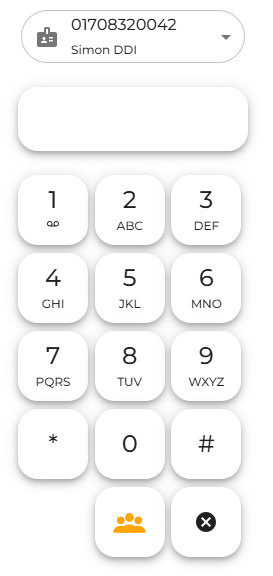
You will then see the dial pad screen, allowing you to dial the third-party person you wish to add.
You can simply dial the other person's number.
|
|
|
|
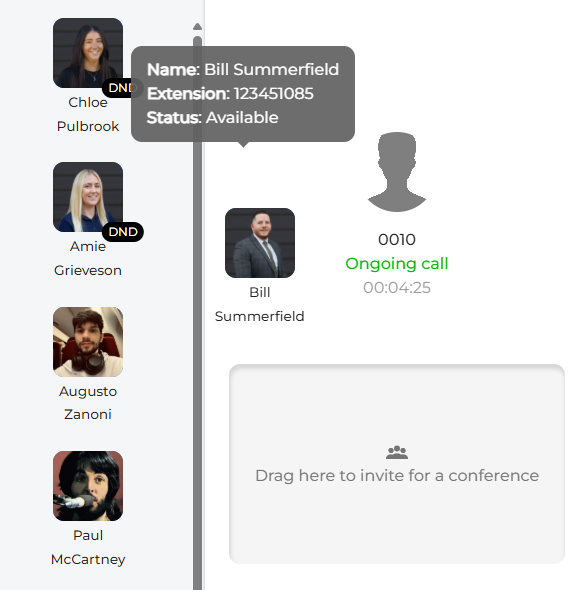
You can also drag and drop any of the people in your presence window.
|
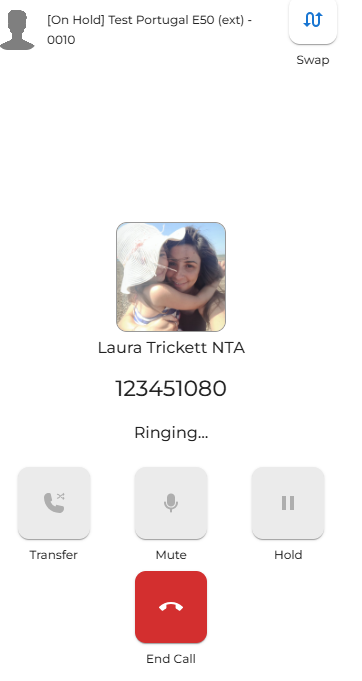
| This will place the first-party caller on hold while you ring the third-party caller. |
|
|
|
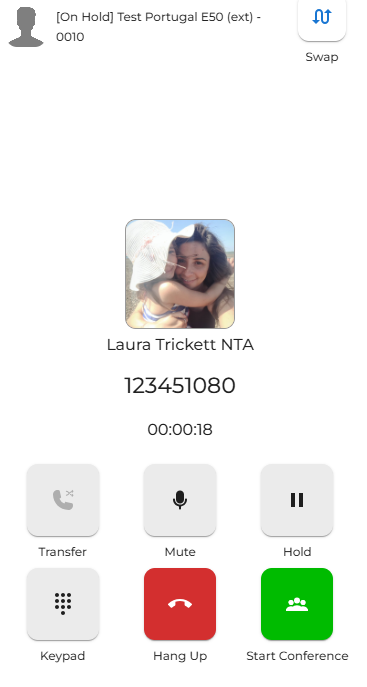
Once answered, you can speak to the third party to explain that you are adding them to the conference.
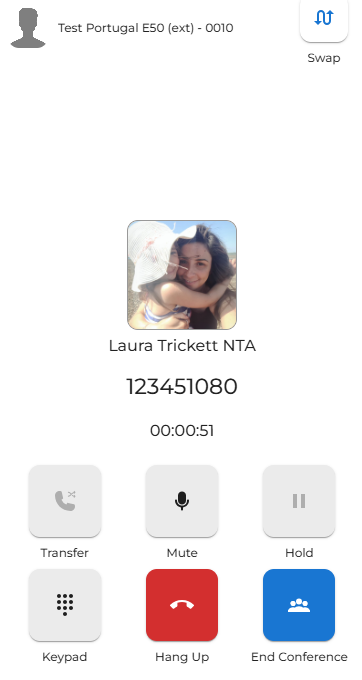
Press the 'start conference' button to begin. |
|
Once finished, you can conclude the conference with the third party and then return to the caller of the first party. Or, you can end the call, and the conference will be terminated. |
|