View files received
|
When you receive a file in chat, you can view, save, or share it again.
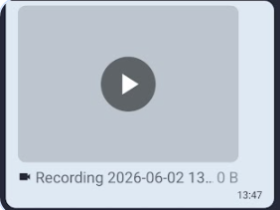
This is a video file received. Click on the play button to watch the video |
|
|
|
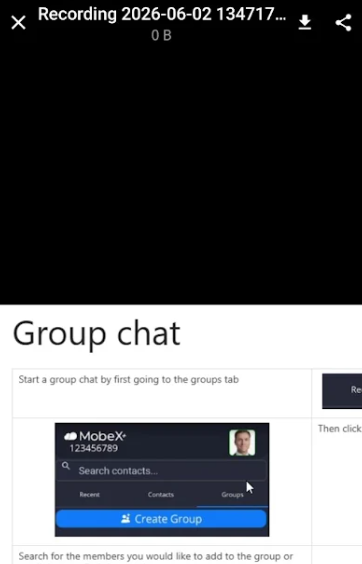
You can then download the video to your device or click on the share file at the top right-hand side of the screen. |
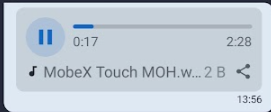
| With audio files, you can press the play button to listen, or the share icon to share with someone else. |
|
|
|
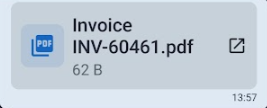
Click on the PDF file to open it. You can then save or share the file. |