Local Device Phone contacts
Local Device Phone contacts 
|
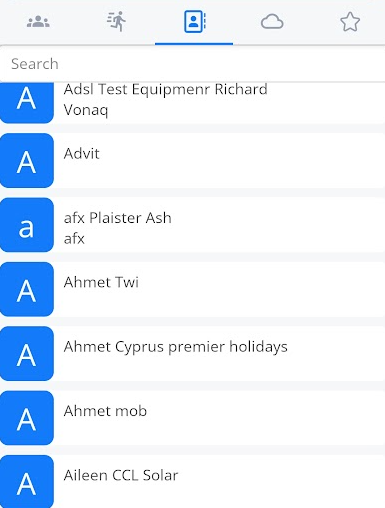
This tab will show your contacts in your local (mobile) phonebook. If you don’t see this, you need to allow it in the permissions.
|
|
|
|
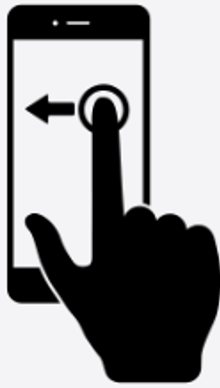
You can swipe left to return to the speed dial screen. |
|
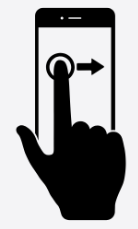
Or you can swipe right to take you to your cloud phonebook screen. |
|
|
|
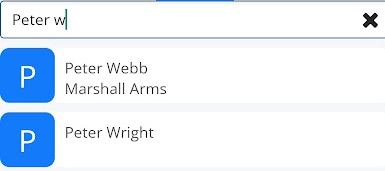
Using the search bar at the top lets you search your local contacts and narrow down your options until you find the one you are looking for. |
|
Click on the contact and then press the |
|
|
|
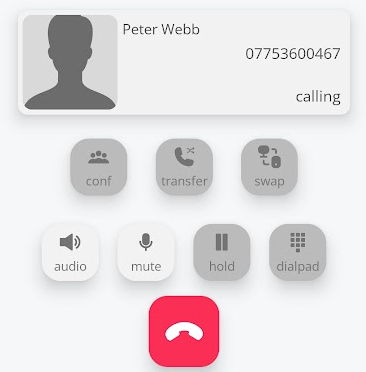
The call is now in progress. |