Setting your Caller ID
If your user permissions allow, you can change your caller ID
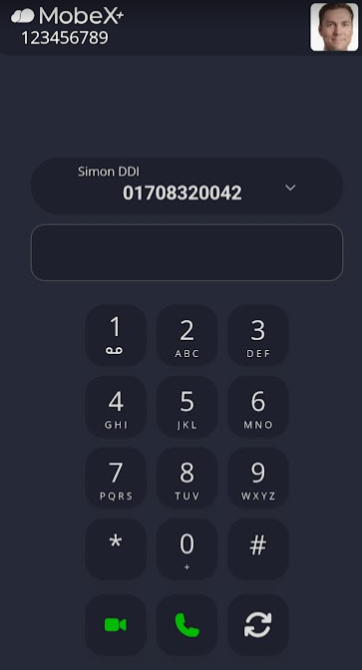
| When you are using the main dial screen, you can dynamically choose which caller ID you would like to display when making an outbound call. |
|
|
|
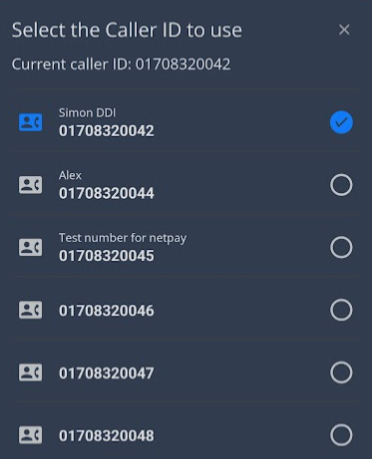
Click on the down arrow in your current display number ID to change to another number you wish to display.
Keep in mind that if you change it here, you will change it for any device using the same extension number. |