Contacts
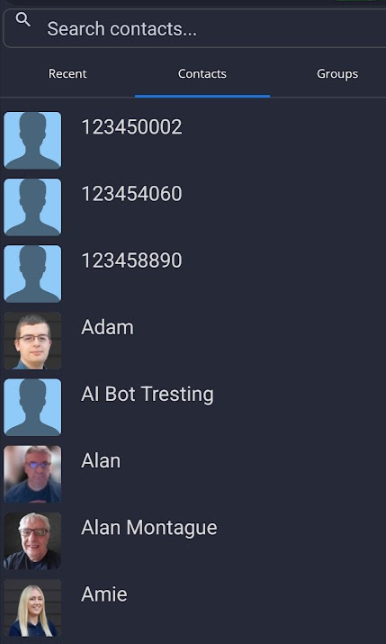
| You can search for your MobeX contacts by clicking the Contacts tab at the top of the page. |
|
|
|
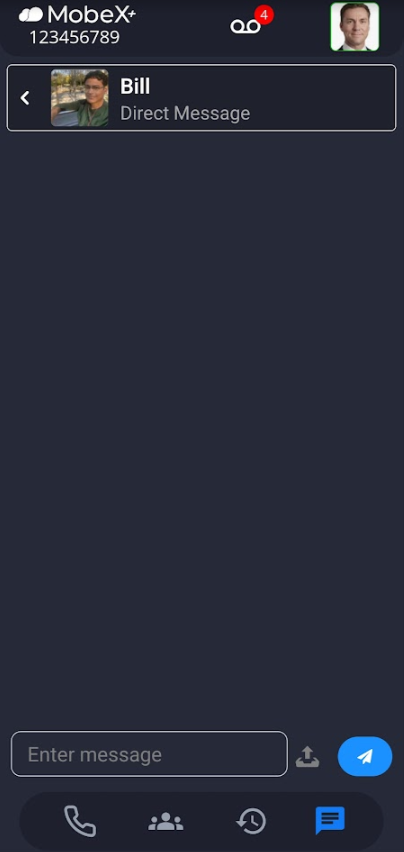
You can scroll up and down or use the search bar to enter their name. Click on their icon to start a direct chat messge. |
| You can now send a message. |
|
|
|
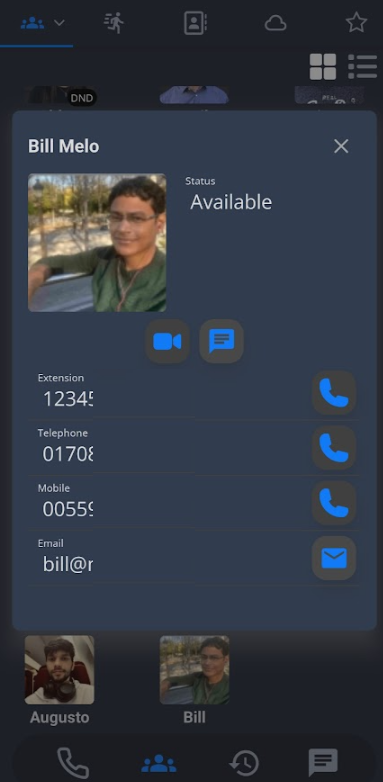
You can also start a chat by clicking on the chat button within the person's contact information under the presence screen.
|