Group chat
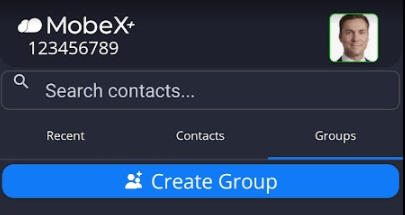
| Start a group chat by first going to the Groups tab |
|
|
|
Then click on " Create Group". |
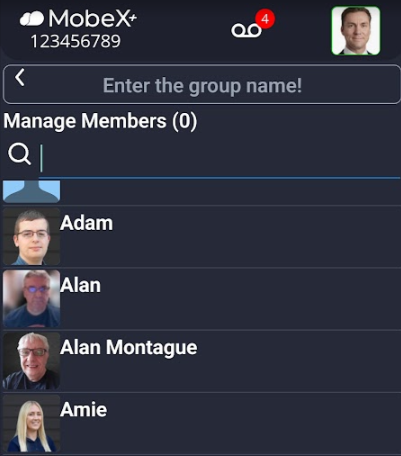
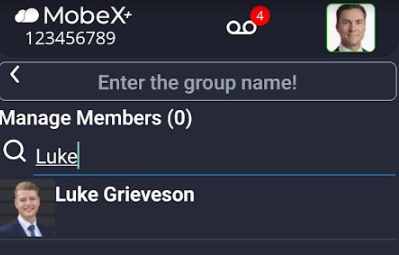
| Search for the members you would like to add to the group or scroll down to find the people. |
|
|
|
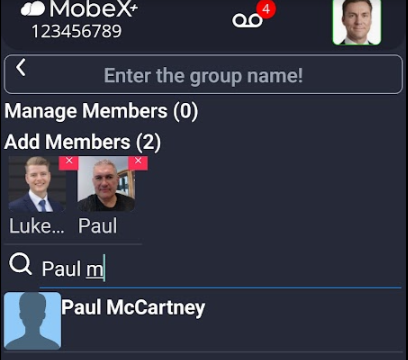
Click on the avatar picture to add the person. |
| You can add up to 50 members per group. |
|
|
|
Add a name for your new chat group. |
| Finally, click "Create Group" at the bottom of the screen. |
|
|
|
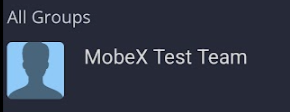
The new group will then appear under groups. |
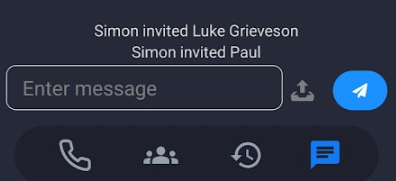
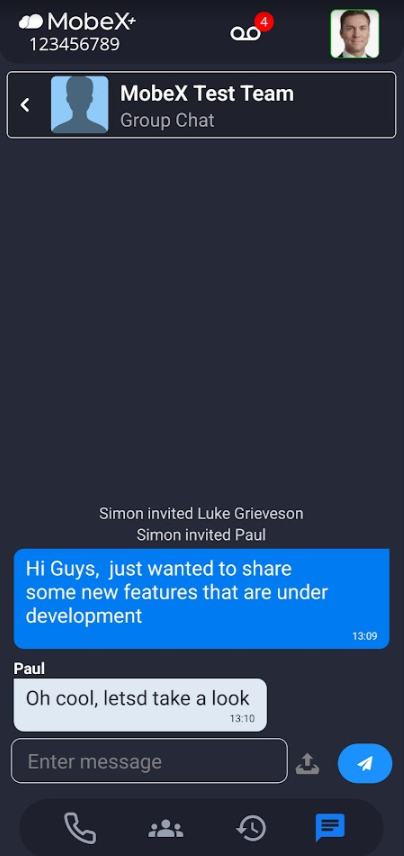
| When a new group is created and people are added, it will show who was invited and by whom. |
|
|
|
You can then begin your chat as normal. |
|
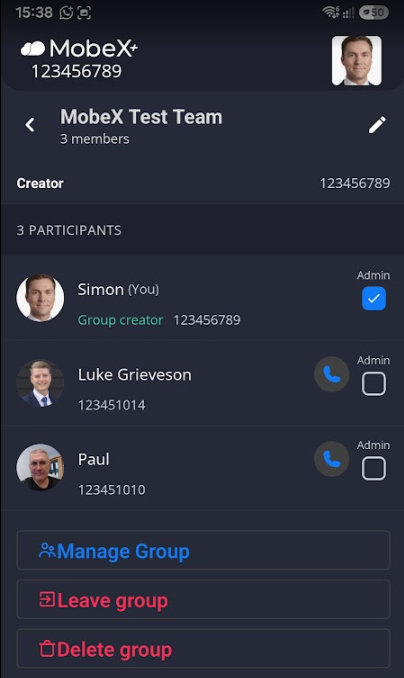
Manage groups by clicking on the name of the group |
|
|
|
You can view the members in the group here. |
|
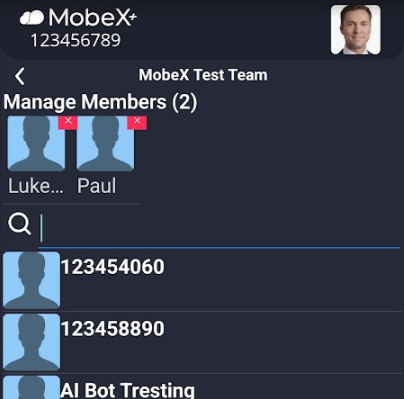
Click on the Manage group button to add or remove members. |
|
|
|
Search and add extra members to the group.
Click the red X |
|
If you wish to leave the group, click the Leave group button |
|
|
|
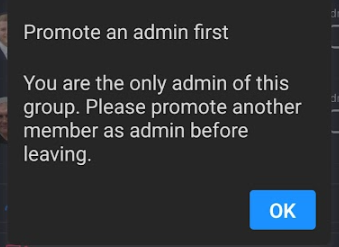
If you are the group Administrator, you will need to promote another member to Admin first. Click OK to close this notification. |
|
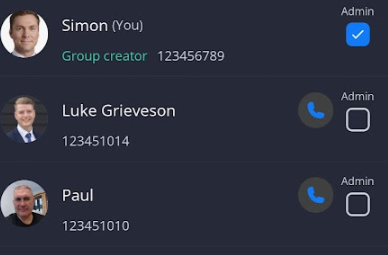
Go back to the main page of the group and select someone else to be the admin before you leave.
Then you can unselect yourself. Remember that once you unselect yourself, you can no longer administer the group. |
|
|
|
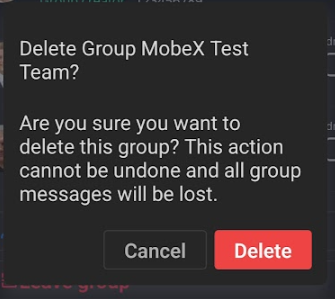
You can delete a group by clicking the delete group button. |
|
A warning will pop up to confirm your actions. |
|