Payments via MobeX - Automatic Stop / Start Calling Recording
| You can automatically control the call recording system by enabling the payment option on the settings page. By enabling this, the system will automatically STOP any call recording when you enter the payment tab in MobeX and will automatically enable it again once you leave the page. |
|
|
|
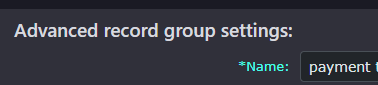
Please make sure your extension is included in a Call recording bundle. |
|
|
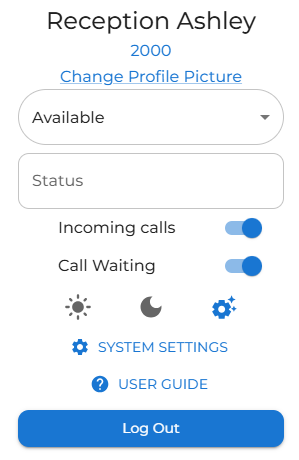
After clicking on your profile avatar, choose the system settings option.
|
|
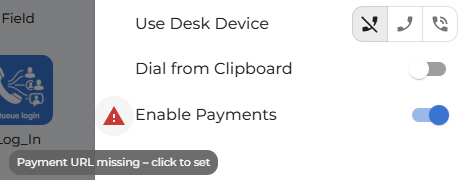
Under the desktop section, toggle to enable the payment option.
|
|
|
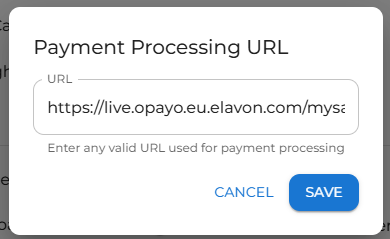
Click the warning icon to open the payment website you normally use to make payments, then click Save. When you return to the settings screen, the warning icon will be replaced with a cog icon. If you need to change the URL at any time, simply click the cog icon.
Don't forget that it needs to be in an https:// format. |
|
|
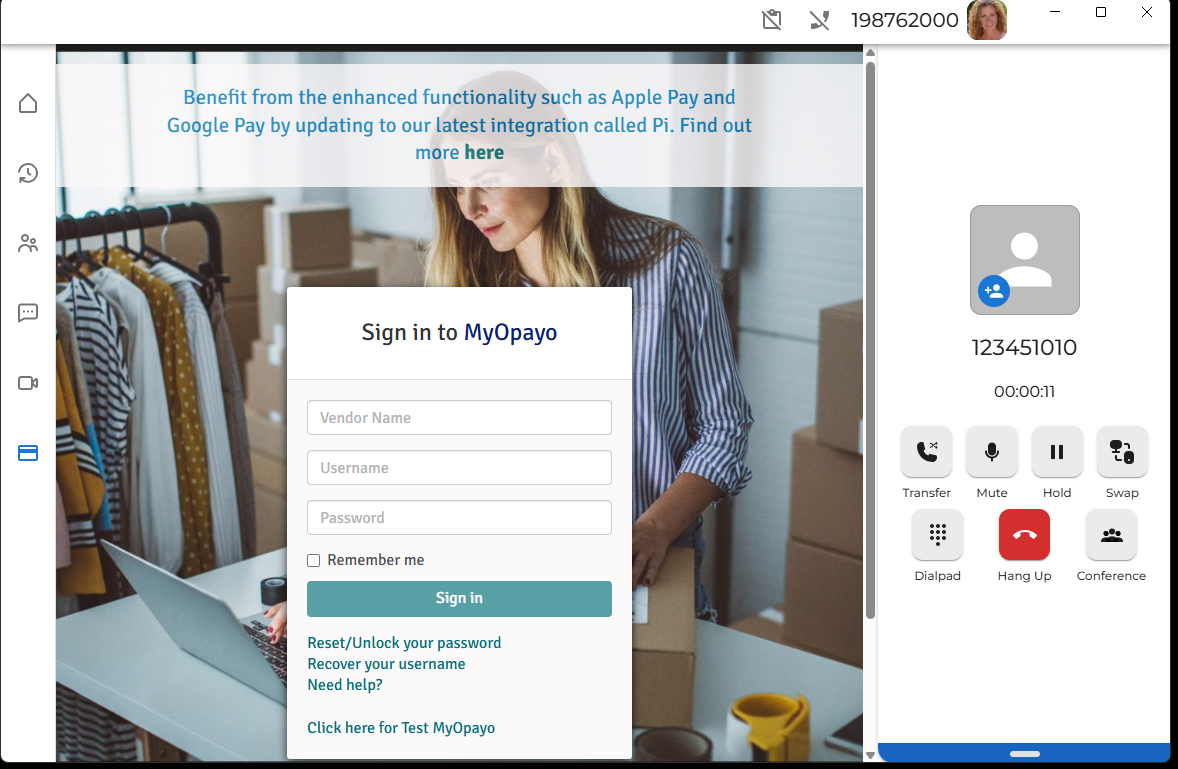
When you are on a call, you will see this icon appear on the left-hand side of the application.
When you click on the icon, it will take you to the website you entered for making payments |
|
|
|
|