Logging in to MobeX UC
|
Once your service provider has set up your MobeX licences, go to the following link and download the installation file. |
Windows users - https://downloads.mobex.app/download/mobexuc/win32
Mac users - https://downloads.mobex.app/download/mobexuc/darwin |
|
|
Click the link, and you will be taken directly to the MobeX
|
|
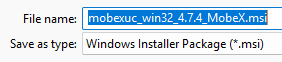
Once downloaded, click on the installation file and install the program on your Windows PC |
|
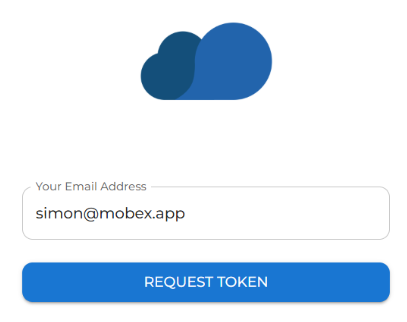
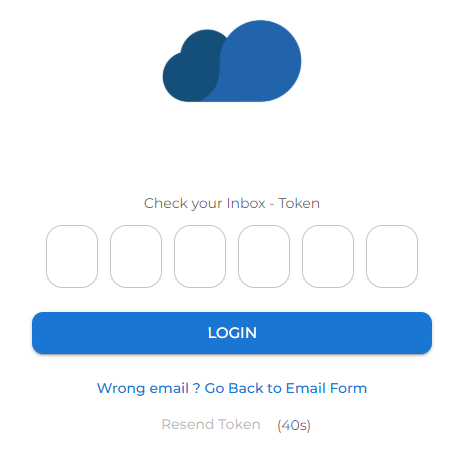
| Enter your email address to be sent a one-time password (Token) |
|
|
|
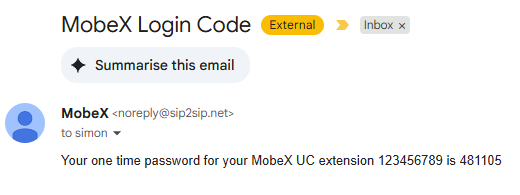
You will receive an email similar to this. Don't forget to check your spam folder in case the password email is there. |
| Once entered, you will be logged in to the initial presence window. |
|
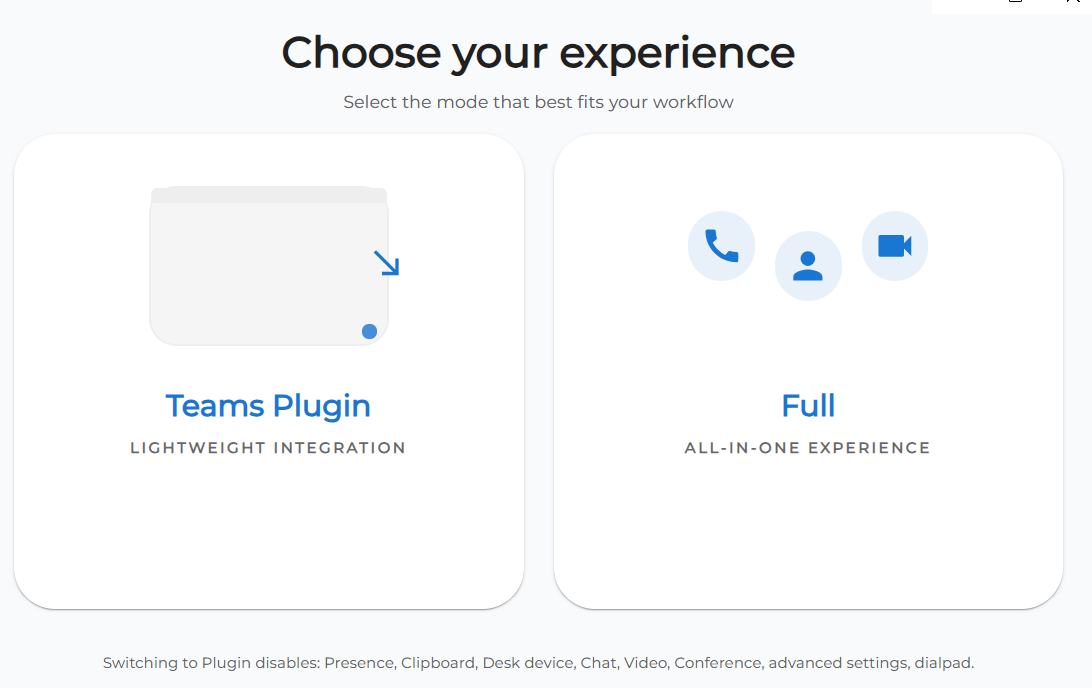 |
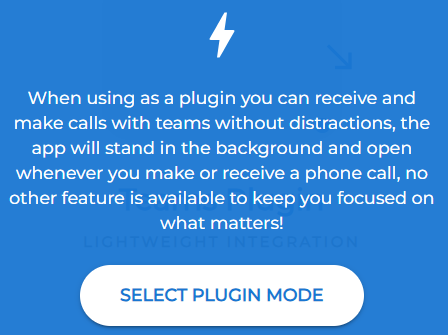
You will then be asked to choose if you would like the Microsoft Teams Plugin version of MobeX or the Full MobeX experience, which offers video, chat, and voice calling.
|
|
After choosing the Teams Plugin version, you can follow the MobeX 4 Teams user guide for setup and instructions. |
|
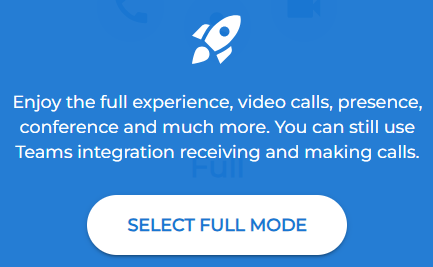 |
Choose this option for full MobeX UC functionality.
|