
Update your MobeX UC
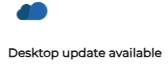 |
From time to time, updates will be sent that require installation. If you see the 'Desktop update available' message in the top-right corner of the new application screen. You need to perform the update. |
|
Click the download to begin.
|
|
| Then click here to install the update. |
|
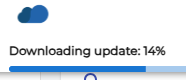


The application will then restart and log you back in to the updated software.