Chat Groups
|
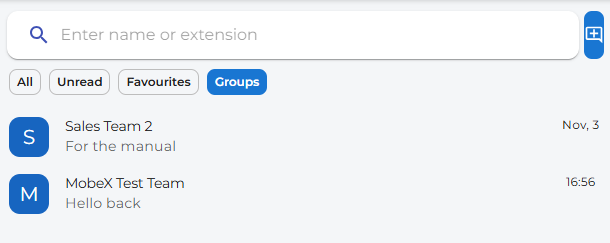
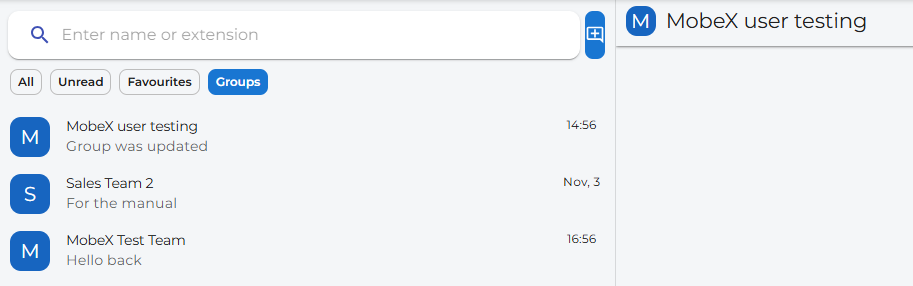
Go to the groups tab underneath the search bar. Any groups you have created or are part of will appear here. You can create a new chat group by clicking the add chat button.
|
|
|
|
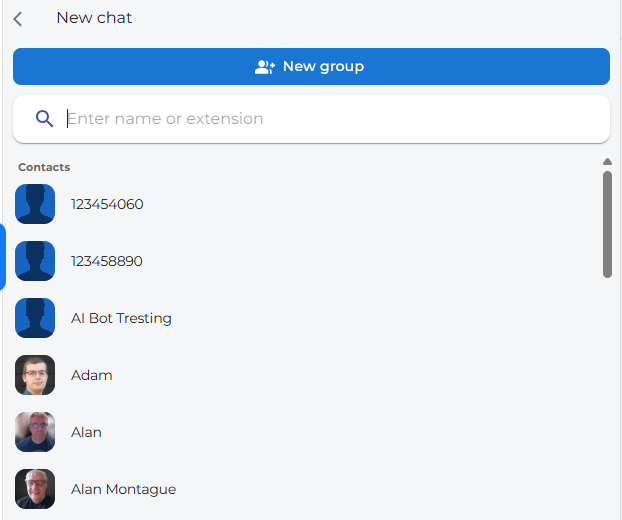
Click on the new group button to start a new group chat
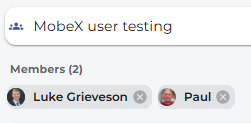
Give your new chat group a name. You can add users by using the search bar within this window or by clicking on the person you would like to include.
|
|
Your new group has been created.
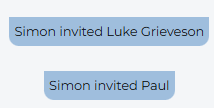
The participants have been invited
When you send a message, all members will be notified and will see that they are part of this new group. |
|