Reception Consoles
|
Now you have some customers with extensions under various Service Office Customers. You can now allocate the customer extensions to the receptionist console.
To enable office service mode, you need to enter the provisioning settings within the telephone extension. This can be found on the left-hand menu under features. |
|
|
|
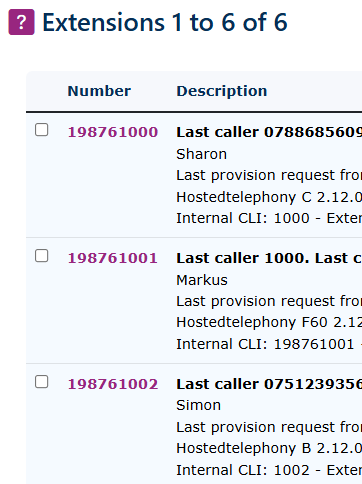
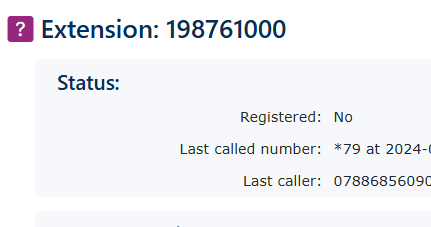
Then extensions. Select the extension you wish to be the console |
|
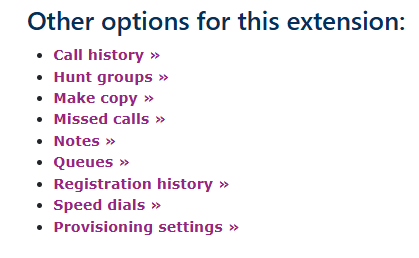
Go to the bottom of the telephone page and select provisioning settings |
|
|
|
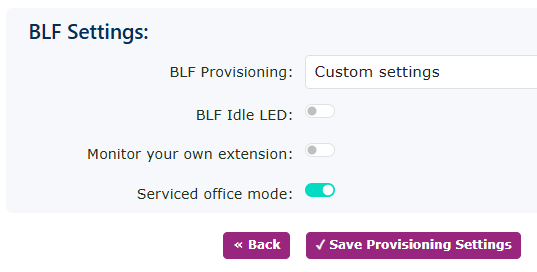
At the bottom of this page, under BLF Settings, set the service office mode to On, then click Save Provisioning Settings. |
|
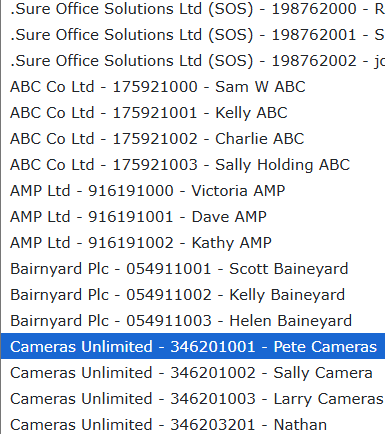
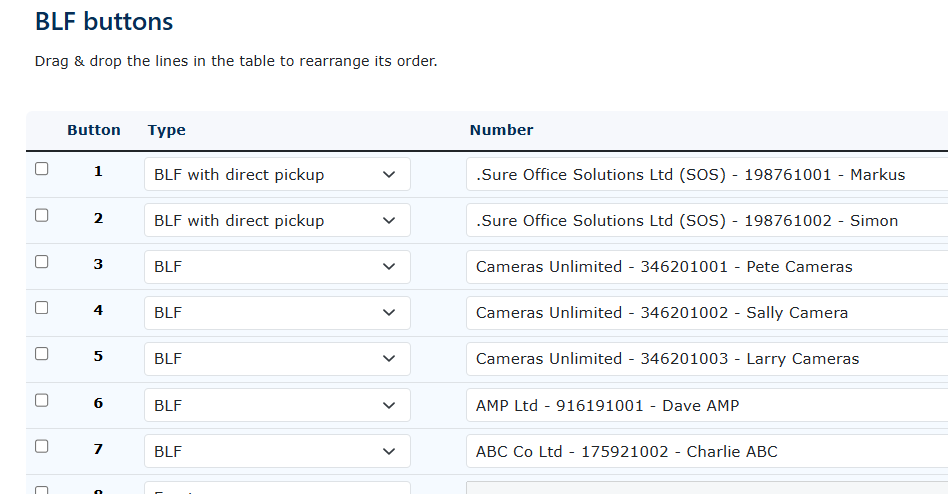
Return to the provisioning setting, and at the very bottom of the page under BLF buttons, you can add users (BLF) keys, not just from your own office users, but also all the SOC users that are underneath your SOS account.
You will see the customer's name and extension details within the same customer. This is to help identify if you have users with the same name, like Sally in this case. |
|
|
|
You can add as many as you wish. Particularly if you are using our MobeX web or MobeX UC application, as these offer a great way to scale large numbers of extensions and groups. |