MobeX as the Receptionist Console
|
Once you have created a MobeX account for the reception extension, you can start to see the benefits.
Set up your MobeX extension using this guide.
Understand more about MobeX Web or MobeX UC using these links. |
|
|
|
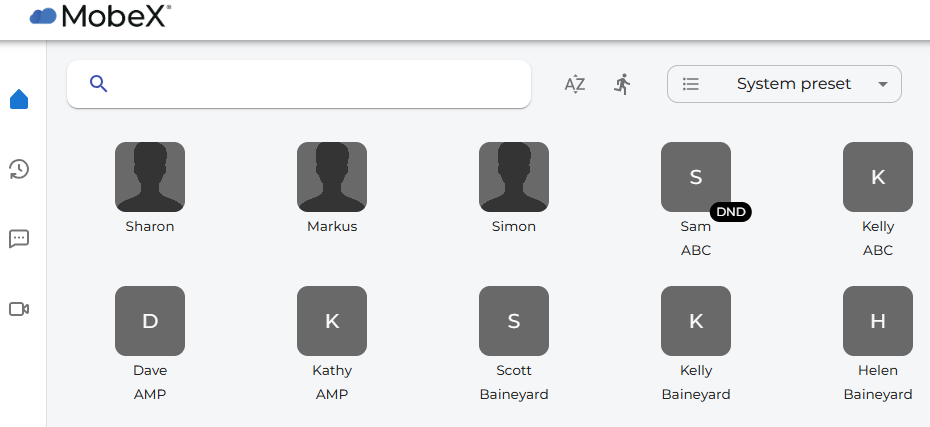
Reception can then see the status of the SOC accounts.
● Or logged out of a Queue with Status |
|
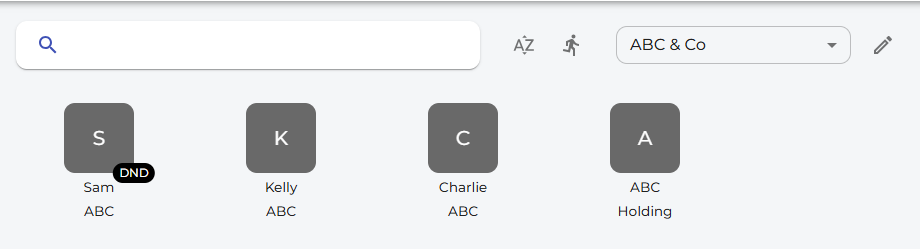
Custom Boards can be created within MobeX to group user extensions. |
|
|
|
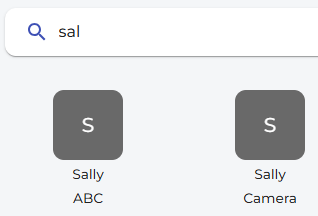
You can also use the search facility to locate a users. |
|
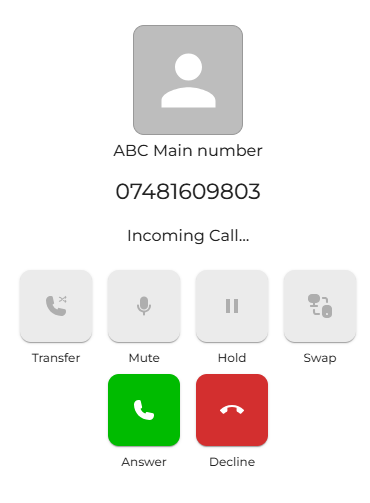
When an incoming call overflows to the pilot number, the receptionist will see both the caller’s number and the company they are calling for, as the caller name option in numbers will be displayed. |
|
|
|
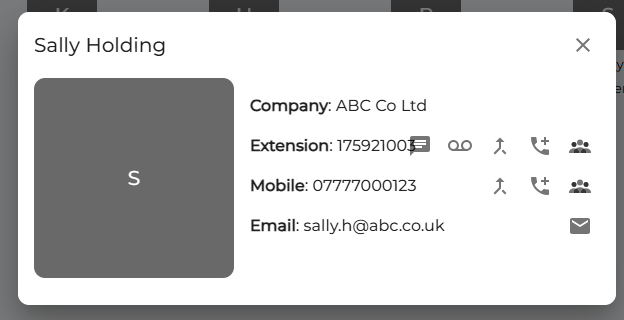
You can also view all the details of the destination before transferring the call, making it easier to divert to the correct extension or mobile number. |