Service Office Customer - Adding a number
|
When adding the number for the Service Office Customer SOC account, you must include additional information for the Service Office Solution SOS Reception person to identify which diverted number is being presented at reception. |
|
|
|
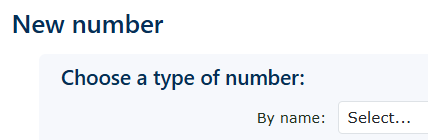
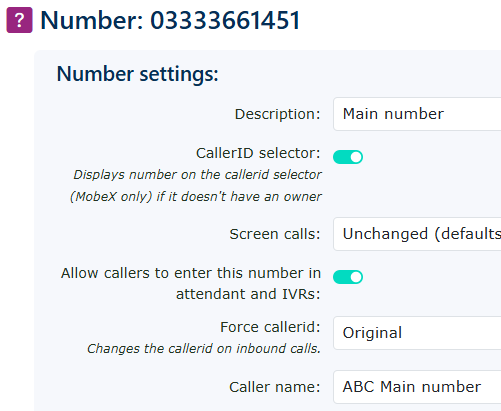
Go to features on the lefthand menu, find numbers, and add a number by clicking new on the right-hand side. Select an area code in which you wish to add a number. Then enter a description of the number, but the most important box to complete is the Caller name. This will be the name presented to the ringing extensions, but more importantly, to the reception console. |
| Once completed, the number should look like this. |
|