Switch to Teams mode in MobeX
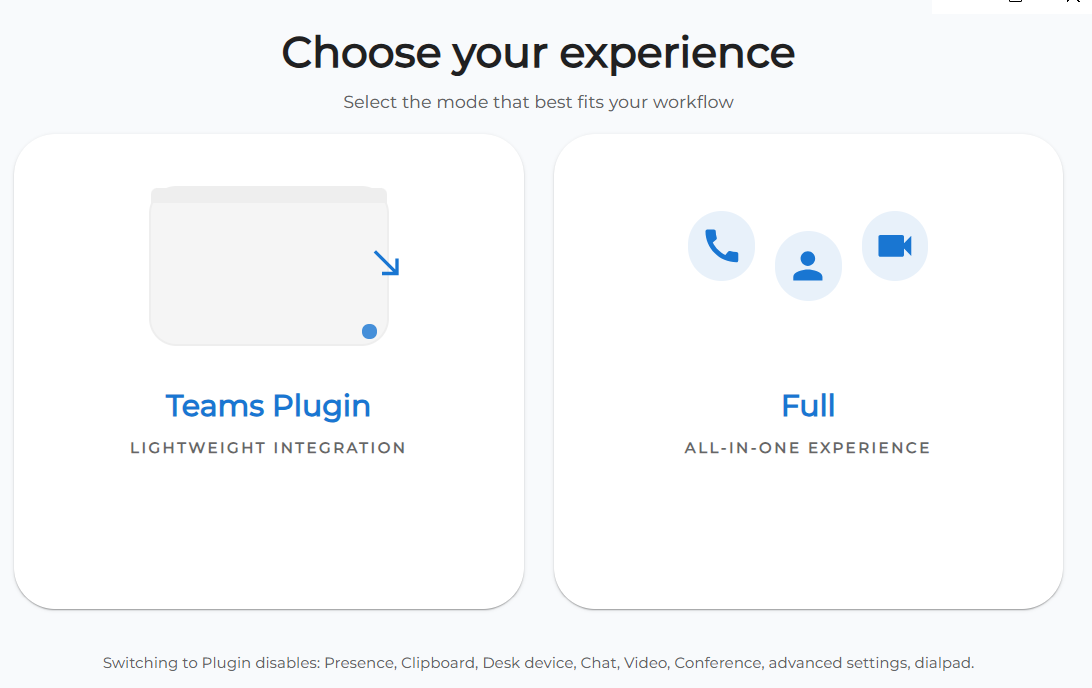
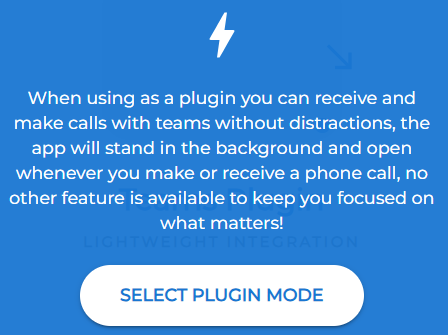
| After installation of the MobeX UC desktop software, you can enable the Teams Plugin |
|
|
|
Once enabled, it gives you a minimum appearance of MobeX as everything you want to do can be controlled within Team. |
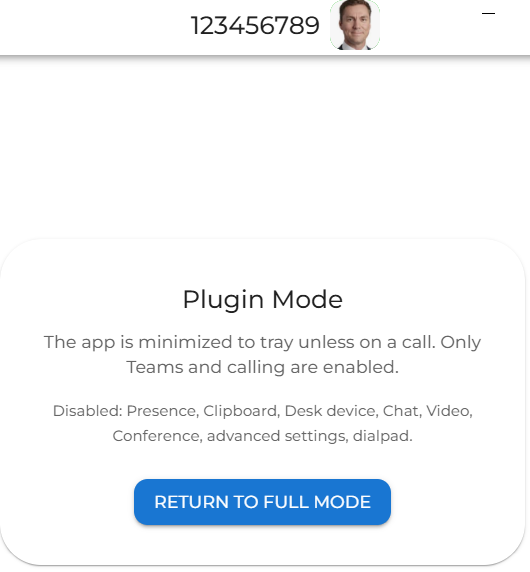
| You can however switch back to the full MobeX version by clicking on the button in this window (idle mode) |
|
|
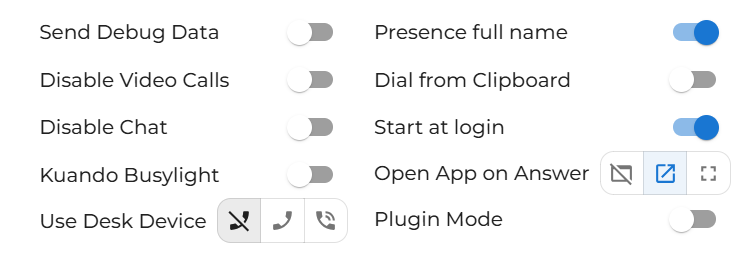
Likewise, once you are in the full MobeX mode you can again return to the Teams plugin by clicking your avatar and going to the system settings
Tick the Plugin Mode to return to Teams minimum mode.
|
|
|
|
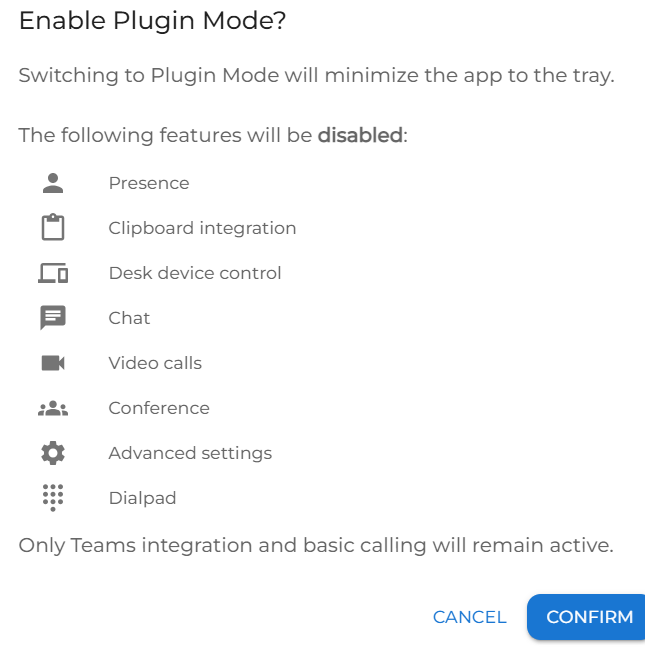
It will warn you as to the features that will be disabled in plugin mode. Just click confirm to continue. |