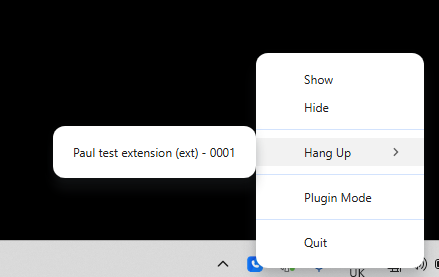
On-call tray icon
Visual notifications during a call can be helpful, especially if your application is closed.


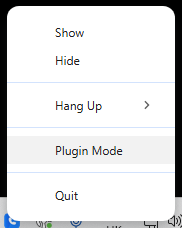
You can right-click the flashing icon to use quick jump-to options.
You can show or hide your MobeX application screen. You can hang up the current call, as shown below. Switch your MobeX application to plug-in mode. Finally, you can quit the application.
Click the name or number of the call you are on to end it. You will see that the icon stops flashing and becomes a solid blue icon again.