
Group chat
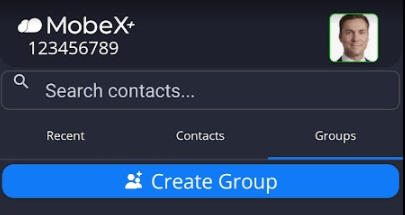
Start a group chat by first going to the groups tab |
|
|
Then click on " Create group". |
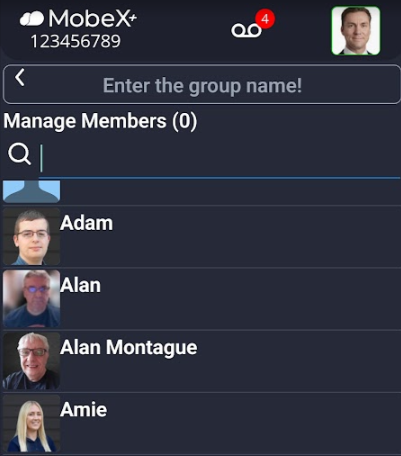
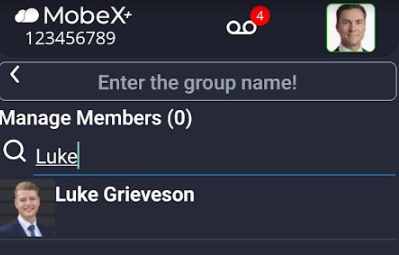
Search for the members you would like to add to the group or scroll down to find the people. |
|
|
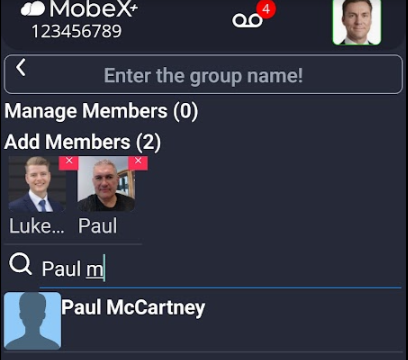
Click on the avatar picture to add the person. |
Add up to 100 members per group |
|
|
Add a name for your new chat group. |
Finally, click "Create group" at the bottom of the screen. |
|




The new group will then appear under groups.
When you enter the group, it will show you at the very beginning of the chat who was invited and by whom.
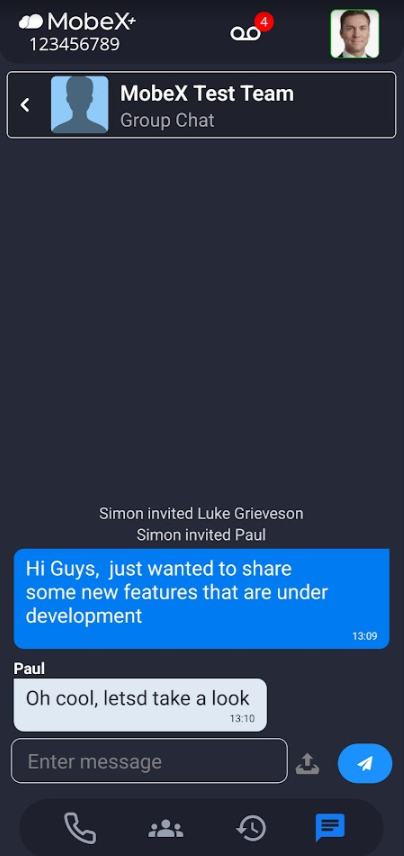
You can then begin your chat as normal.