Contacts

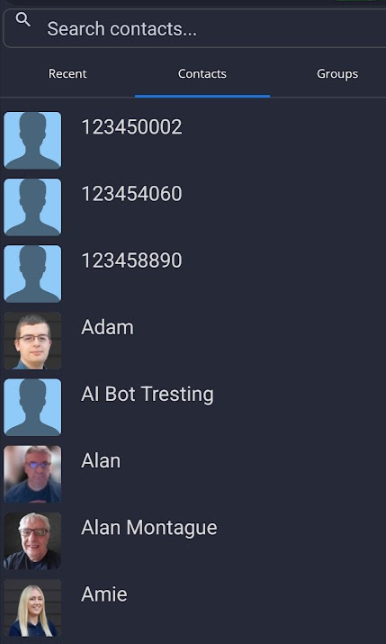
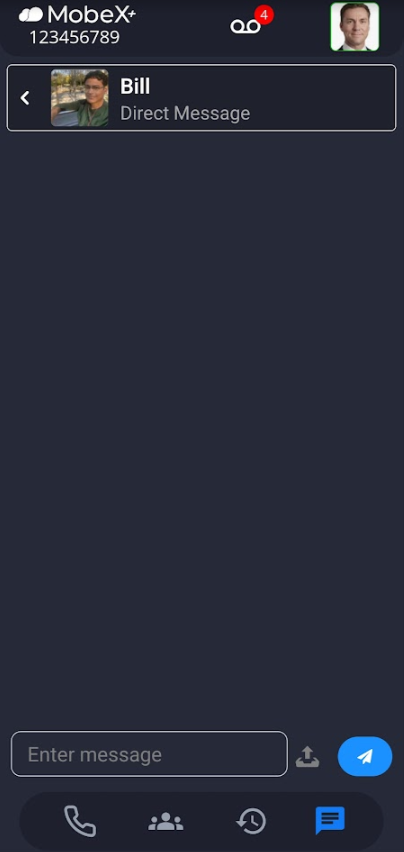
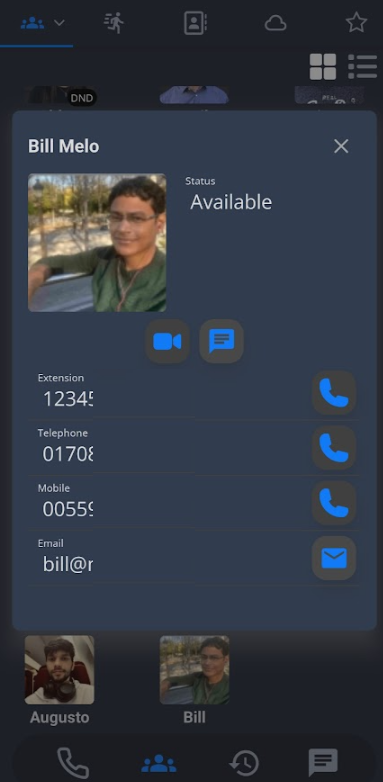
You can also start a chat by clicking on the chat button within the person's contact information under the presence screen.


You can also start a chat by clicking on the chat button within the person's contact information under the presence screen.