
How to make a call on MobeX 4Teams
|
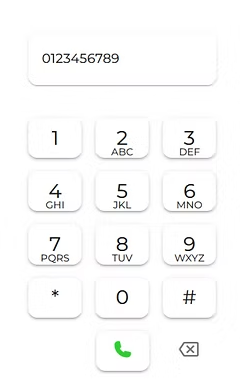
Enter the number you wish to dial using the on-screen keypad or by typing it into the box above.
Then, press the green phone icon to start the call. |
 |
|
|

Mobex UC will automatically open, and the call will be in progress on this screen. You can then use MobeX UC as usual to hold and transfer calls. Refer to the MobeX UC manual for full details.
On desktop, the MobeX UC app will open to initiate the call.

