Using the Reception answering services
|
If the Service Office Customer SOC account wishes for the receptionist to answer calls when they are not available, then they can use the diversion pilot number you have already set up on the main SOS account. |
|
|
|
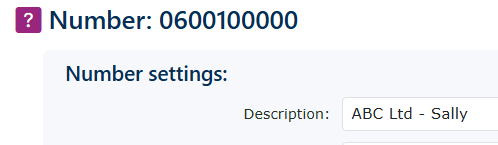
When programming the SOC numbers, be sure to enter the names for the numbers and the telephone extensions to make it easy for reception to identify incoming calls and names in the MobeX Reception Console.
NB, this is adjusted under the number of the Serviced Office Solution account. |
|
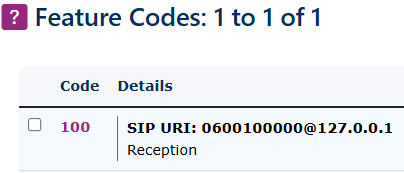
Create a feature code for each SOC account. This can be done by using the menu on the left-hand side. Go to Features, then Feature Codes and click Add in the bottom right-hand side. |
|