Numbers - Bulk Change
Bulk Changes
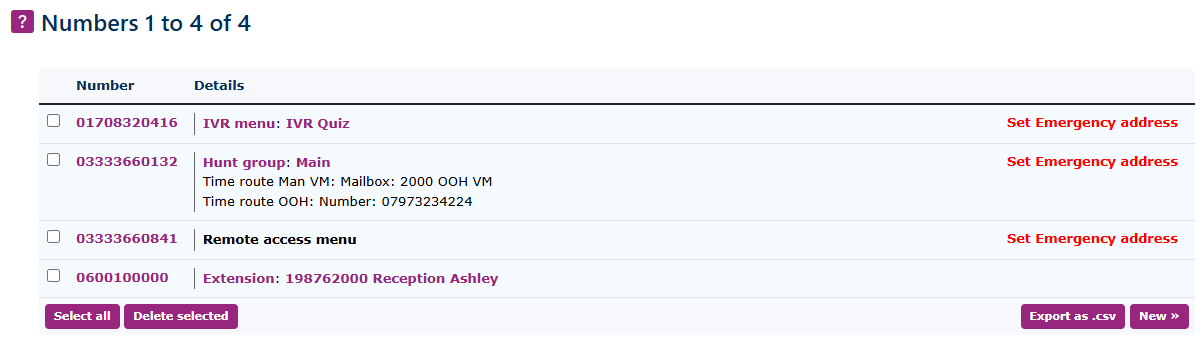
At the top level, you can see an overview of the numbers you have already allocated. It is possible to make global changes to all or some of the numbers.
| Under other options, you can choose bulk change. |
|
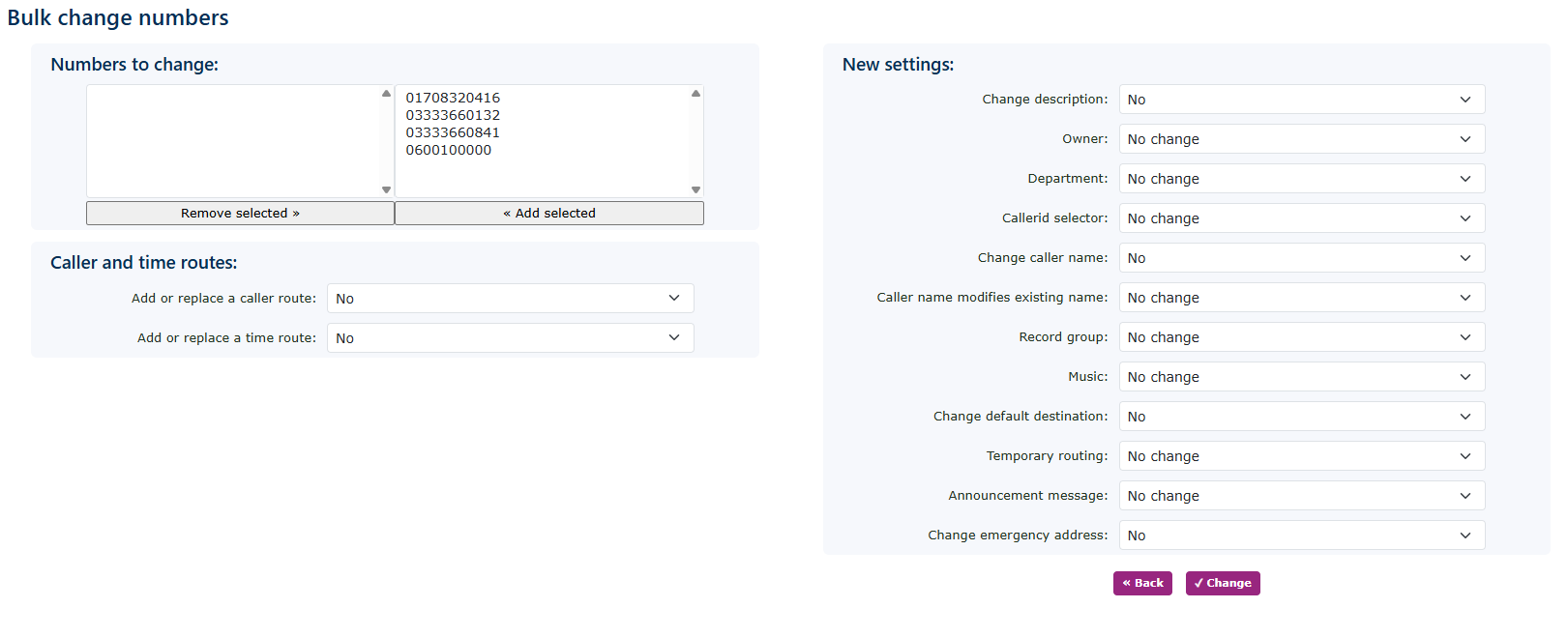
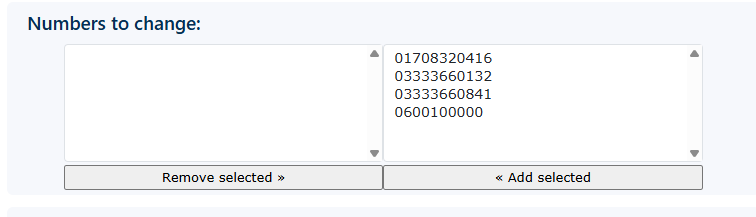
| First, select the numbers you wish to change. |
|
|
|
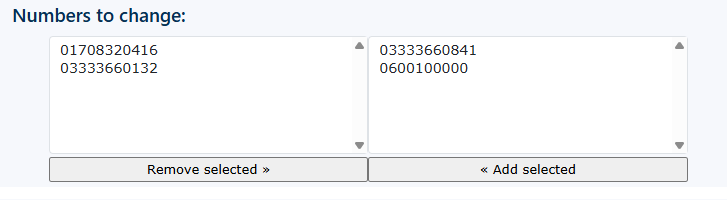
Move the numbers to the left-hand box; these are the only numbers that will have the applied changes. |
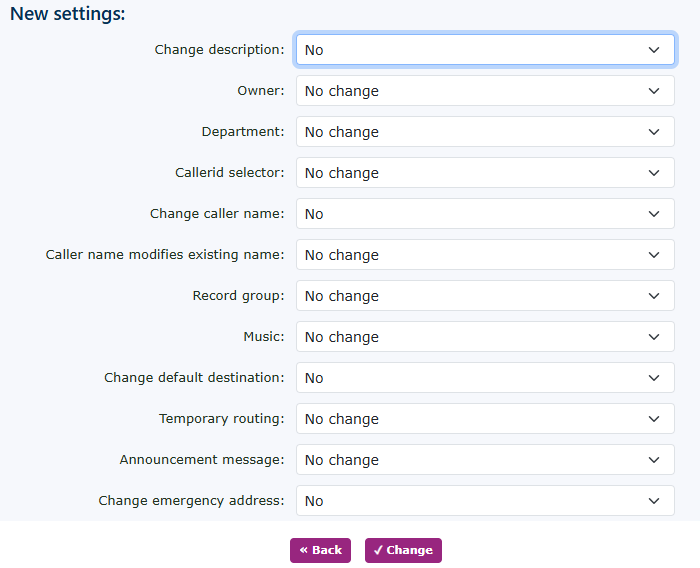
| Below the numbers selected, you can make changes to the caller routers or the time routes. |
|
|
|
You can now make changes to any section in the new settings options. |

Emergency address bulk change
|
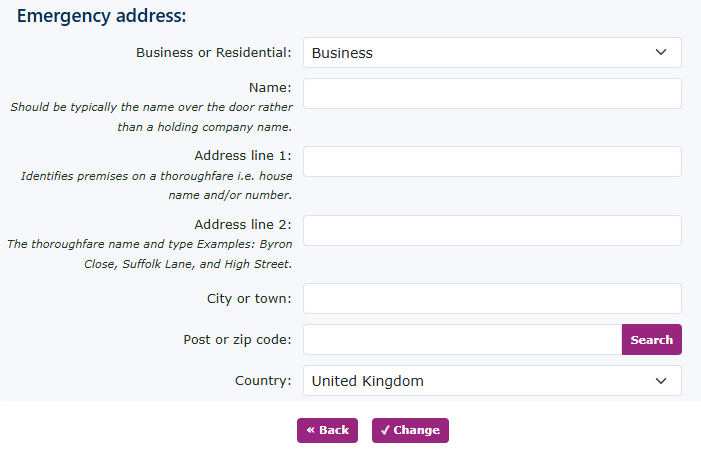
If you want to change or add an emergency address, you can also do so via a global change. When you select tes in the change option, the following screen will open.
This allows you to populate all the address details needed for the emergency services E999. |
|