Logos
Logos are currently available on MobeX Touch, Web and will later be added to UC.
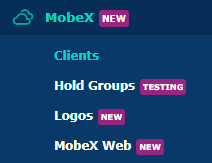
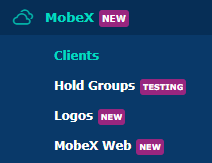
Go to the MobeX tab, then select the Logos tab.
MobeX logos enable you to upload your own or your customers' logos to MobeX products. If you have a partner account and upload the logos to your top-level account, your new logos will be shared down to your customers.

The Web-based soft client is used on any browser. You can upload two logos: a light-mode logo and a dark-mode logo.


You can upload any logo, provided that the max height is 64px. You can always upload the logo, test it, and then remove it if you want to redo it or return to the original logo.
Same for the dark-mode logo. This logo is currently being inherited from the partner above. You can, if you wish, replace the logo just for this customer, and any other customer will still inherit the partner's logos.


The logo will appear at the top left-hand side of the browser screen.

For the MobeX Touch
This logo has been uploaded and viewed here. You can remove this logo and start again.
Same for the dark-mode logo here, too


The logo appears here on the top left-hand side of the MobeX Touch handset.
For the MobeX UC
This logo has been uploaded and viewed here. You can remove this logo and start again.


Same for the dark-mode logo. This logo is currently being inherited from the partner above. You can, if you wish, replace the logo just for this customer, and any other customer will still inherit the partner's logos.
The logo will appear on MobeX UC soon, as it is currently under development.