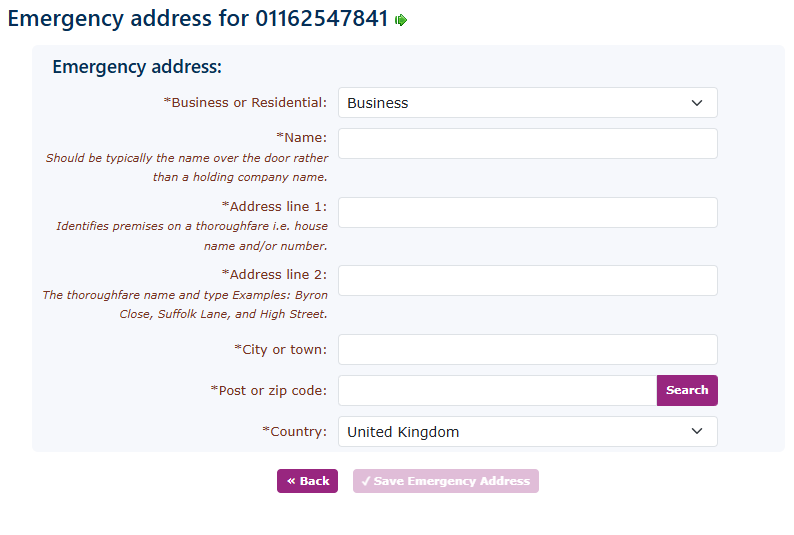
Allocated numbers in customer.
This section explains what you need to do once number porting is in progress. You will see your numbers and newly ported numbers under the same section of numbers in the portal, which can be found on the left-hand side under features, then numbers.
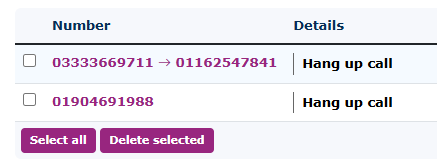
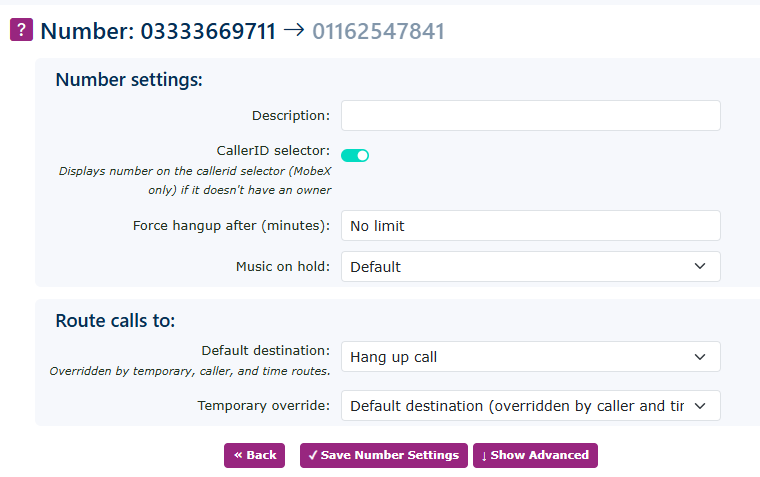
You can also set up the e999 emergency database in advance of the porting process. The system will register the temporary number against the customer's location, then, when the port has completed. The customers' records will be updated with the correct number that has been ported in.
This ensures you are ahead of the complete process.