Right Click & Hint Pop-up windows
|
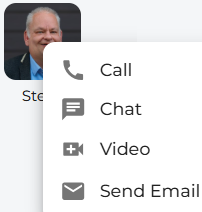
Right-clicking on a picture avatar provides quick access to some action buttons. These can then be clicked on to make a call, start a chat, initiate a video call, or send an email using your default email system. |
|
|
|
These helpful tooltips provide guidance and support as you navigate the system. |
|
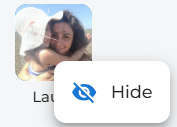
These examples are shown when setting up a custom board. |
|
|
|
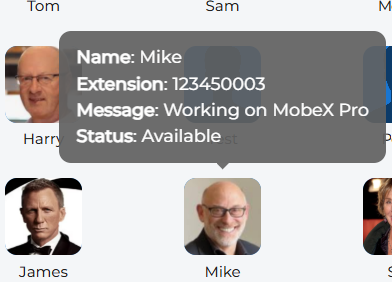
By hovering your mouse pointer over a picture avatar for more than one second, you can access helpful information. For example, it shows that Mike is currently available, along with his extension number. It also displays a message that Mike has manually entered to provide additional information. |