
Update your MobeX UC
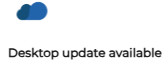
From time to time, updates will be sent that require installation. If you see the 'Desktop update available' message in the top-right corner of the new application screen. You need to perform the update.
Click the download to begin.
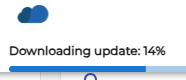


The application will then restart and log you back in to the updated software.