
Call Answer
Answering an inbound call
When receiving an inbound call, you can answer it in two ways:
The first is to press the green Answer key.

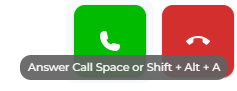
The second is to use the shortcut keyboard keys. This can be done by pressing the space bar or by pressing Shift + Alt + A.
After answering an inbound voice call, you can choose to perform many functions.
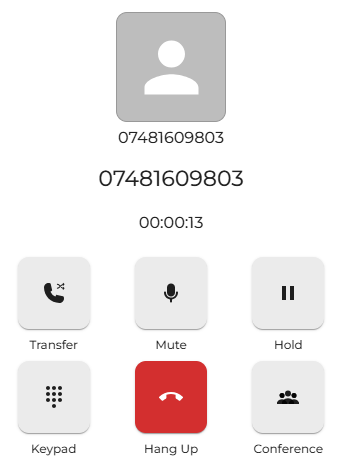

To end the current call, press the red hang-up key, which will terminate the call.
Again, the shortcut keyboard keys for this are Shift + Alt + E.
Keep in mind that you need to be using the tab for these key actions to work. If you click on a different tab or a different program, this will not work.