Hold Groups
Hold Groups is a great way to easily share calls across an office.
The option needs to be enabled in the portal by the service provider and can be found here.
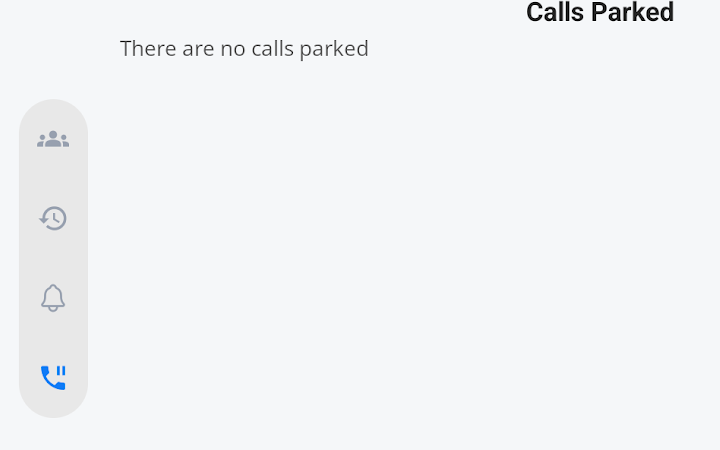
| When the Hold groups option is enabled on the portal, your handset will see an extra icon on the left-hand side of the screen. |
|
|
|
Clicking the icon will take you into the call-holding screen. |
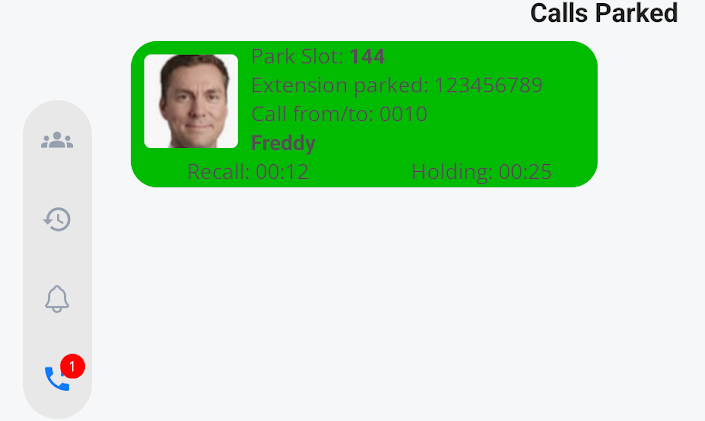
| You can see if any calls are on hold in this group by the red circle and a number indicating the number of calls on hold. |
|
|
|
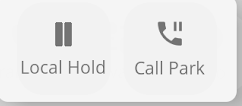
To place a call on hold, you will be presented with two options. Local Hold and Group Hold.
The local hold will place a call on hold as normal
The Group Hold will place the call in the hold group to which you belong. |
|
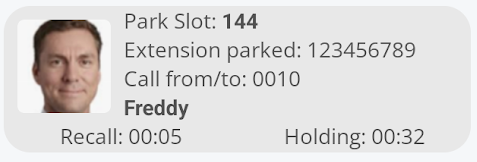
Your Held call will now be available for anyone in your group to access and take over. You can only access a call if your phone is idle and you are not attending to another call. Green means you can take control of the call.
If the call is held and greyed out, this means you cannot access the call.
|
|