Conference calling (3 party)
A three-party conference can be set up whilst in a call with another person.


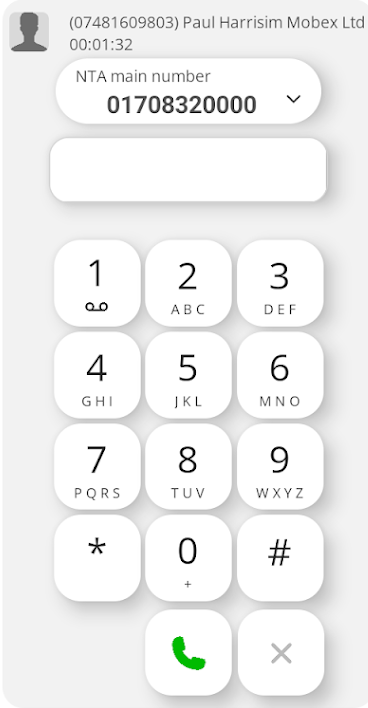
Pressing the conf button will show the following screen.
It has placed the other party on hold and opened the dial window to allow you to dial another number of your choice.


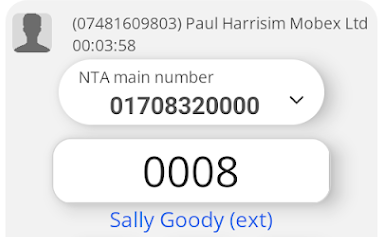
You can dial the number in the dial pad box or you could select one of your contacts.
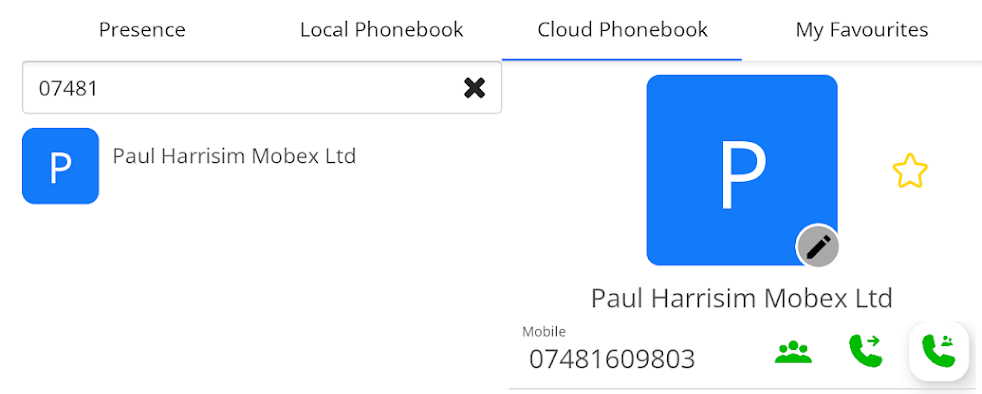
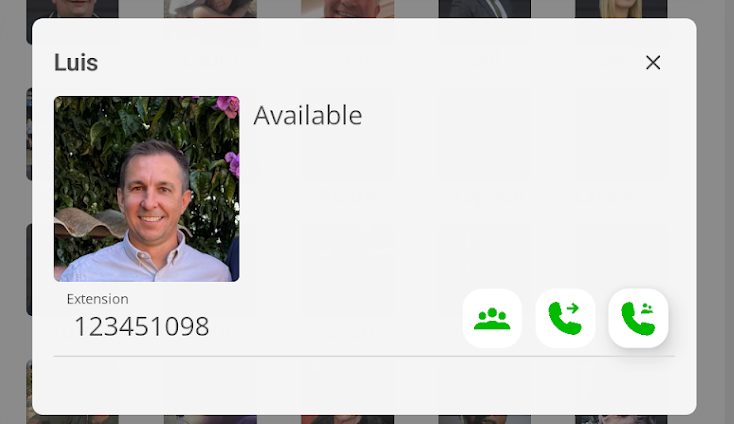
Pressing one of the presence contacts will show the following pop-up window.
Pressing the  conf button will automatically call the 3th party.


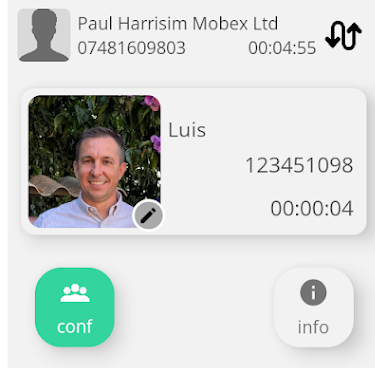
You can shuttle between the two calls by pressing the swop icon button. 
Or you can continue with the conference by pressing the green conference button  .
All parties are now in the conference.

Useful Tip.
You can also add a third-party contact to the conference from your local contacts, Cloud Phonebook, or My Favourites.


Press the conference key.
All parties are now in the conference.


 conf button will automatically call the 3th party.

 .