Deleting messages
Deleting a message you have sent
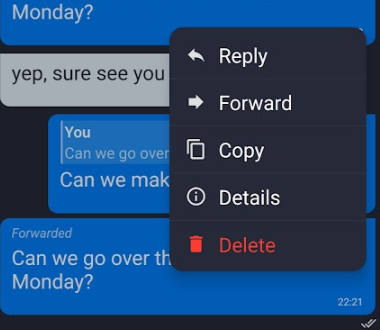
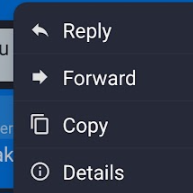
| You can delete any message you have sent within the last 15 minutes of sending the original message. Click the option to delete the message. |
|
|
|
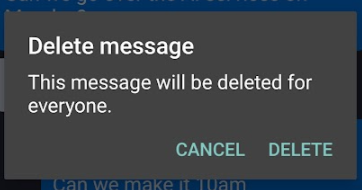
A pop-out message will appear to confirm if you want to delete the message. Select delete to continue. |
| The deleted message will be replaced by a new message showing that a message was deleted. |
|
|
|
If the message is older than 15 minutes. The option for deleting the message will no longer be available. |