Chat icons
The tick icons - and what they mean

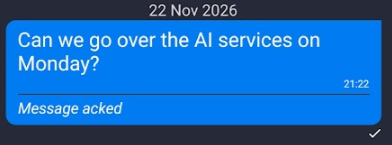
In this case, is it just showing that the message has been acknowledged?
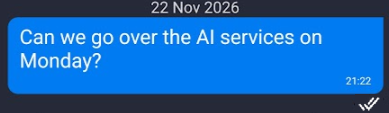
When you see two white ticks, this shows that the message
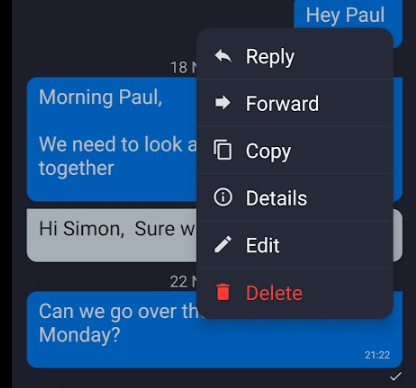
Again, if you hold your finger on the message you have sent, you will get the pop-up window. Click on the details option to show more information about the message sent. Now, with the two ticks, it shows the time and day the message was received.
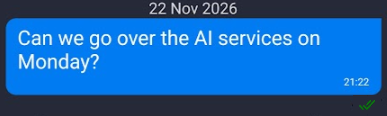
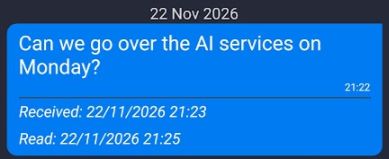
Finally, if you hold your finger on the message you have sent, you will get the pop-up window. Click on the details option to show more information about the message sent. You can see the two green ticks when the message is read.