Sent a file
|
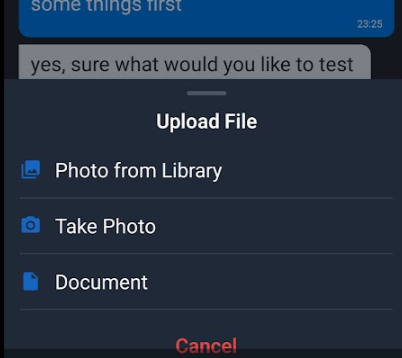
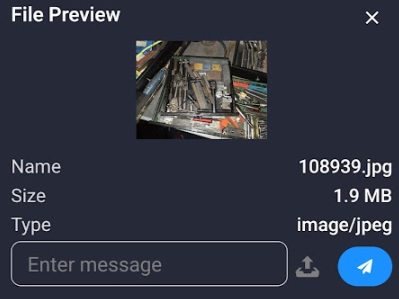
You can send various files directly from your mobile phone. Press the file upload button to choose your file or picture.
Choose from your photo library, take a photo with your camera, or upload a file from your mobile phone's internal memory. |
|
|
|
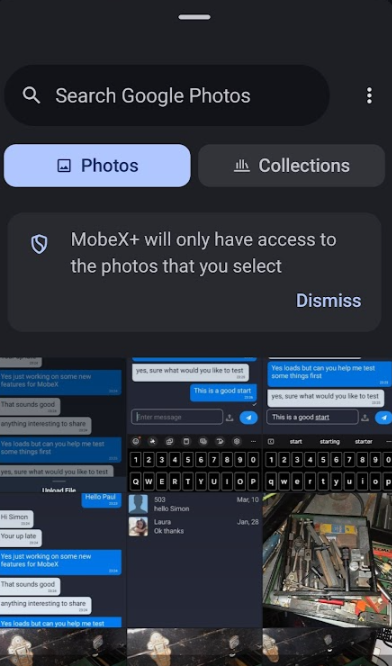
You can choose your photo or change to another photo collection folder. |
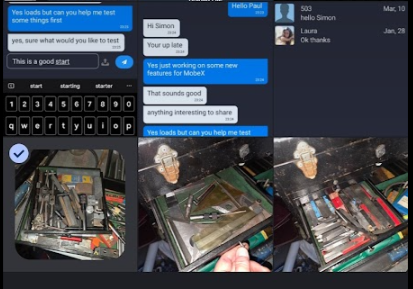
| Click on one of the photos |
|
|
|
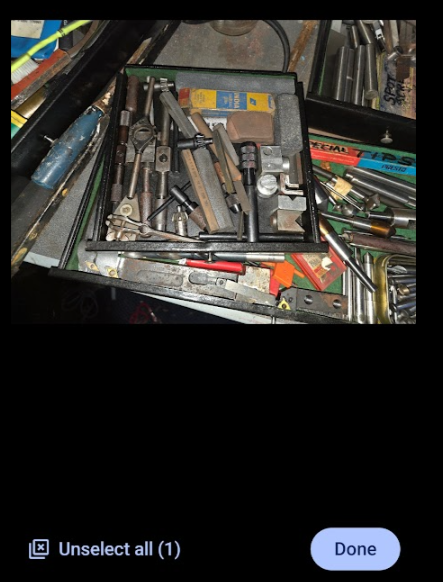
Press the preview button if you wouild like to see the image bigger to get a better view |
| Press done to get ready to upload or unselect to cancel. |
|
|
|
You can press the send button to send the uploaded file. |
|
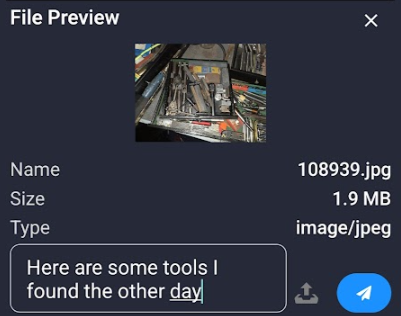
Or you can send a message with the file you have uploaded |
|
|
|
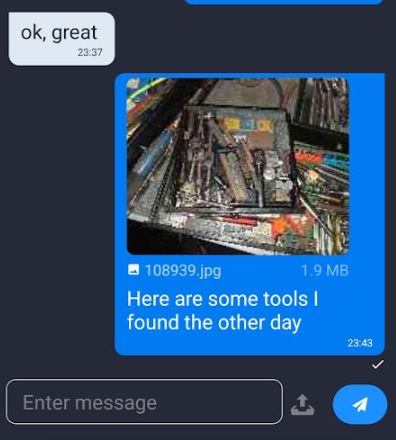
Your picture will be seen in the chat. Don't worry if it looks low-resolution; you can click it to view the full high-resolution version again. |