Receiving files
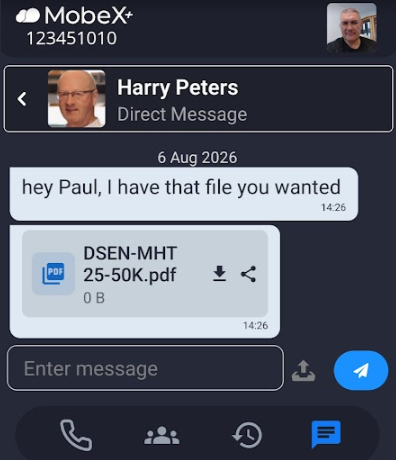
| Receiving files in chat is easy. |
|
|
|
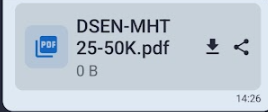
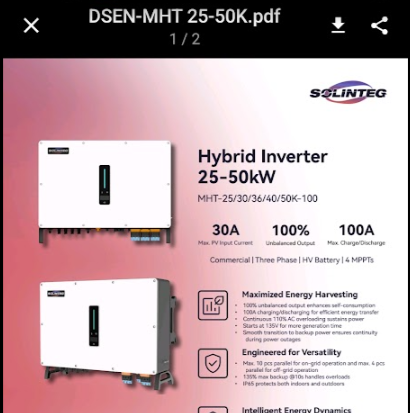
Once you have received a PDF file you can click on it to show an in-screen preview. |
| Scroll up and down to preview your PDF. |
|
|
|
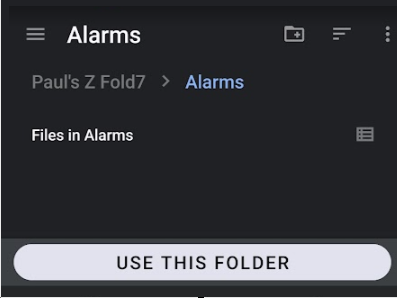
Click the download icon to save to your phone locally. |
| Choose your folder and click the 'Use this folder' button. |
|
|
|
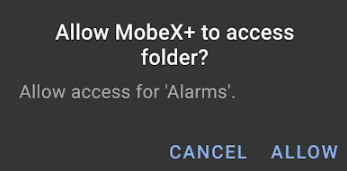
First time use of the folder, you may need to give MobeX access to the folder. |
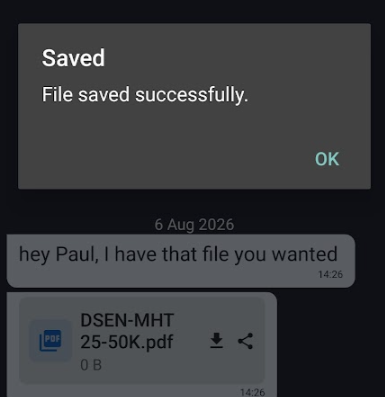
| Confirmation of the file saving will be given. |
|