Presence Tab
Presence Tab

|
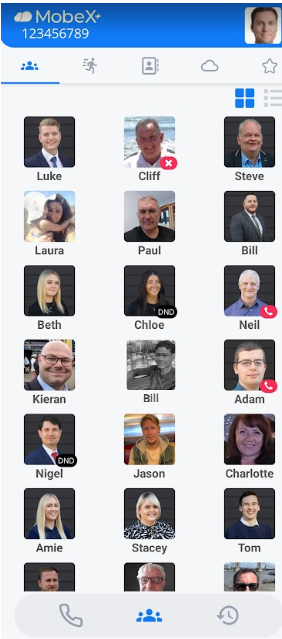
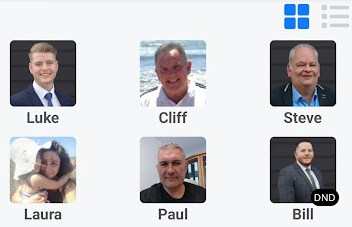
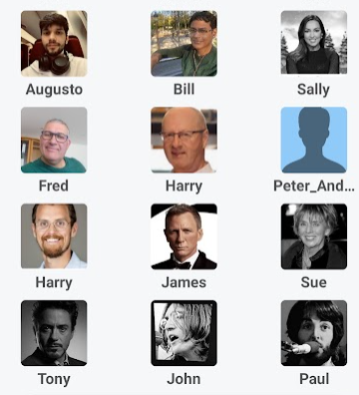
The first tab will display your presence, also known as BLF (Busy Lamp Field). Here you can see whether your colleagues are on a call, in DND, available or unavailable.
Neil is currently on the phone.
Luke is available
Bill is unregistered in the system. His picture is greyed/ halftone colour and shows like this when not available.
|
|
|
|
You can swipe left to move you to the next screen. This will take you to the speed dial screen. |
|
|
Clicking the |
|
Clicking the |
|
|
|
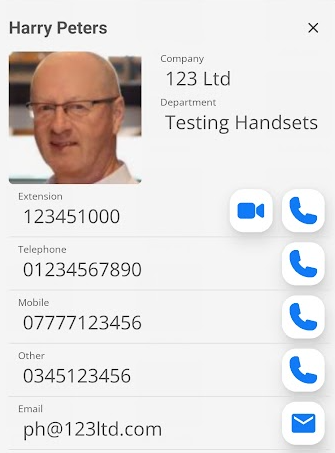
By clicking on one of the picture avatars, more information about that person will be displayed.
You can start a video call
You can also click the email icon |
|
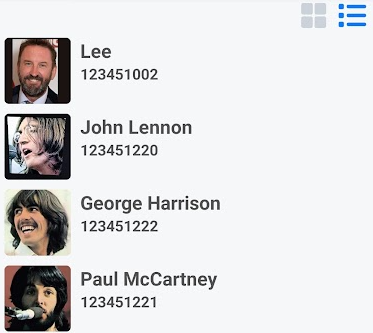
Any presence avatars that are greyed out (halftone) appear like this because no device is registered on the network and ready to receive calls.
In this example, you can see Sally & Tony are offline,
Whilst John & Paul are great at making music, you can see that they are not currently online sending lyrics to each other. |
|