Presence Tab
Presence Tab

|
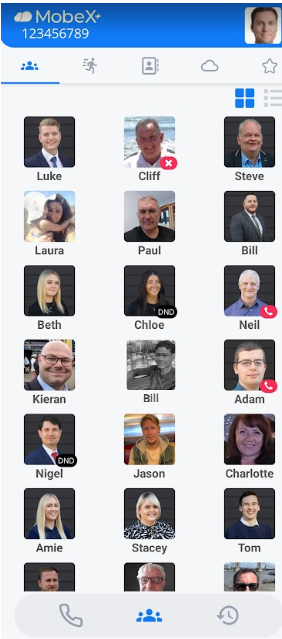
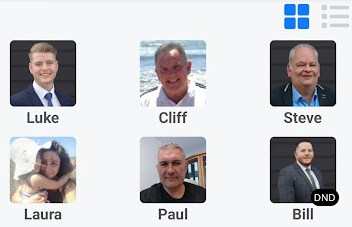
The first tab will display your presence, also known as BLF (Busy Lamp Field). Here you can see whether your colleagues are on a call, in DND, available or unavailable.
Neil is currently on the phone.
Luke is available
Bill is unregistered in the system. His picture is greyed/ halftone colour and shows like this when not available.
|
|
|
|
You can swipe left to move you to the next screen. This will take you to the speed dial screen. |
|
|
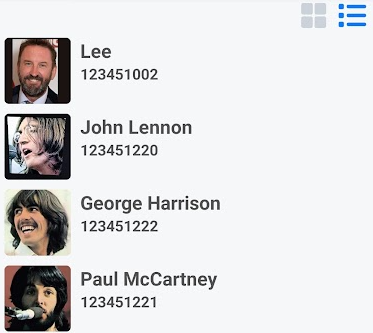
Clicking the |
|
Clicking the |
|
|
|
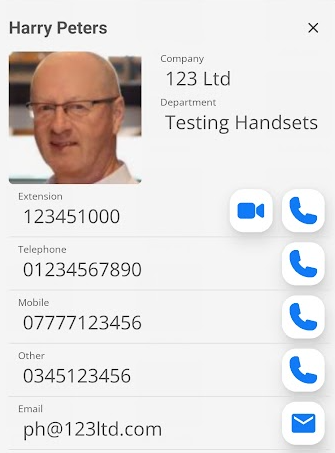
By clicking on one of the picture avatars, more information about that person will be displayed.
You can start a video call
You can also click the email icon |