Cloud Phonebook
Cloud Phonebook 

|
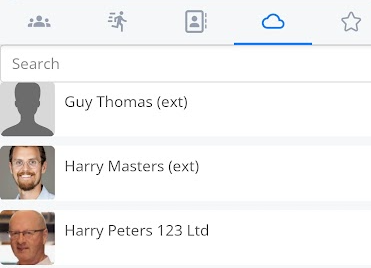
The cloud phonebook functions similarly to the local contacts tab. The cloud phonebook tab is using contacts from the cloud telephone directory set up within the telephone system.
Please get in touch with your service provider for more details if you don't have this information available on your device. |
|
|
|
You can swipe right to go to your favourites screen. |
|
Or you can swipe left to return to your local contacts screen. |
|
|
|
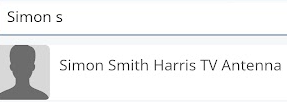
Using the search bar at the top of the screen can help drill down the contact you are looking for. |
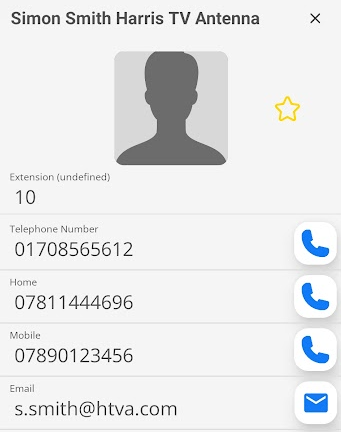
| Click on the picture icon or the name to bring up the stored cloud phonebook details. |
|
|
|
You can now contact the person by phone or email by clicking the relevant icon. |
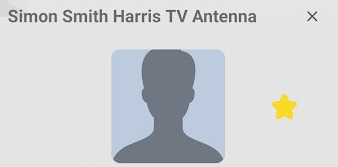
| By pressing the outline of the star, you can add the cloud phonebook entry to your favourites. |
|
|
|
A solid star now indicates which of your contacts are in your favourites list. |