Beginning a chat session - simple text message
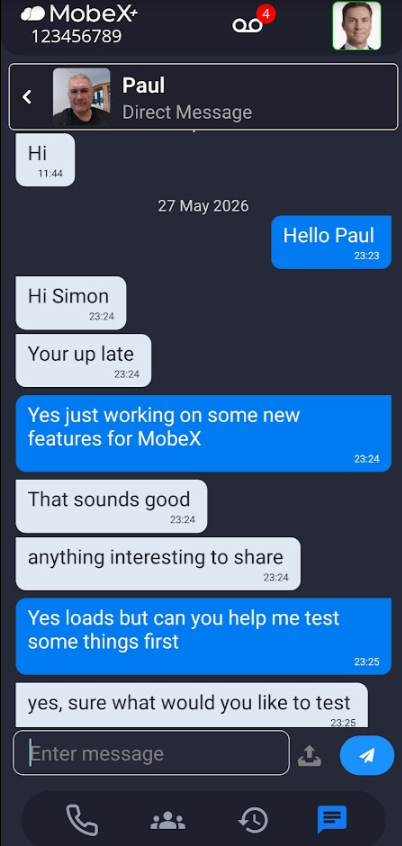
| When you want to start a chat or look at any messages, select the message icon at the bottom of the app, highlighted here in blue |
|
|
|
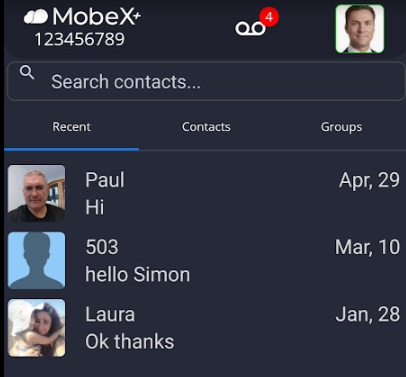
When it opens, |
| Click on the person you would like to chat with |
|
|
|
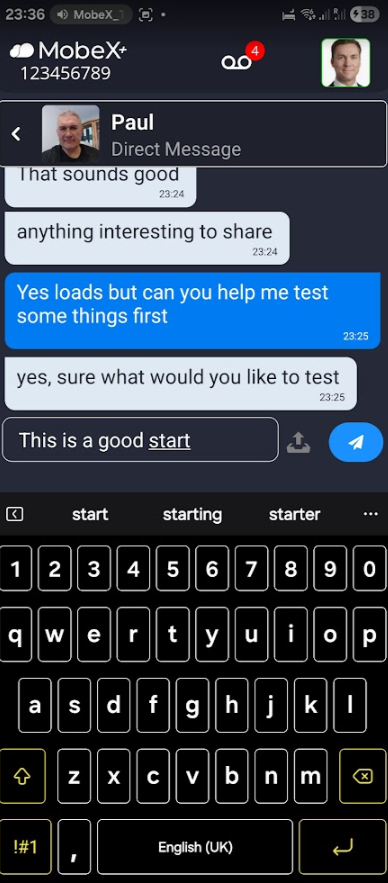
To send a |
|
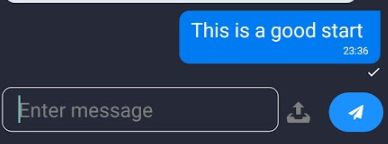
When they receive the message, a tick will appear under the message you have |
|
|
|
|
|
|