Hunt Groups using the diversion number on busy no answer.
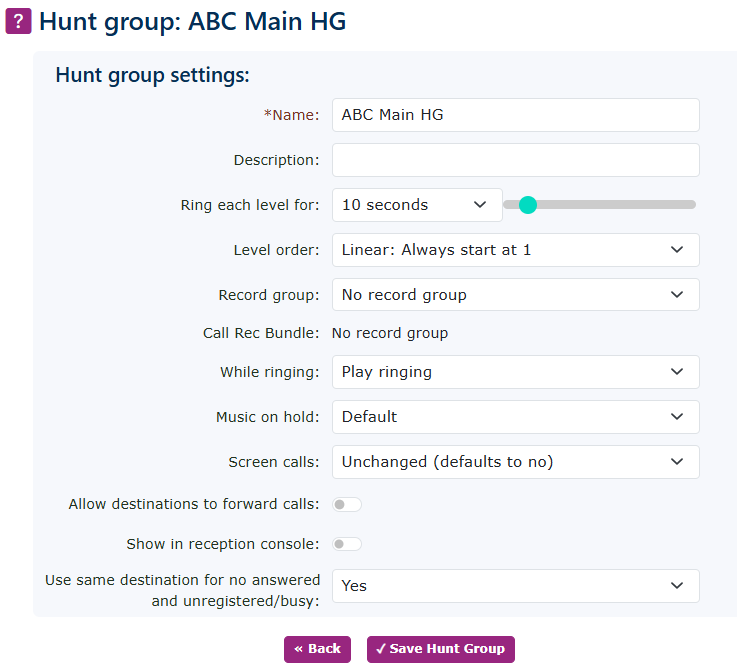
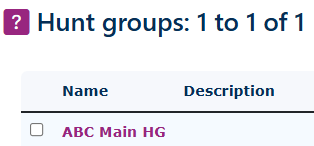
| As an example of how the routing will flow, here is a simple hunt group. Set the hunt group up in the normal way. Go to Features, then Hunt Groups. Once here, select new. Give the hunt group a name and save. |
|
|
|
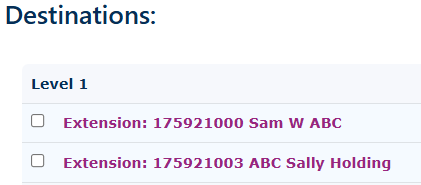
Then add a destination, or more if needed. |
| Now we need to enter the destination number if no one in the hunt group answers. |
|
|
|
Any call that now enters the hunt group will now ring the destinations in the levels for the predetermined seconds selected, then flow to the no-answer destination of 100 reception, which routes the call out of the SOC account and onto the pilot number of the SOS account. |