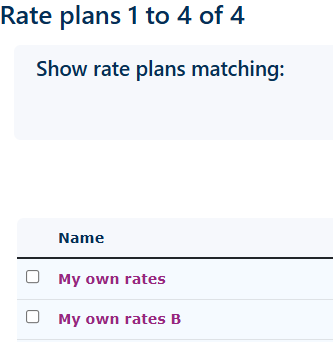
Create your Rate Plan.
|
Before you begin to add Service Office Customers SOC to the portal. It is recommended that you create a rate plan.
Create a rate plan within the Serviced Office Solution (SOS) account. This can now be assigned to your Service Office Customers (SOC).
Details on creating a rate plan can be found here. Within this rate plan, you can also set up the invoicing templates which the SOS will use to bill their clients. It is also possible for the SOS to add charges to the SOC bills so they can, if they wish, create a single invoice for all services. Rent, broadband & furniture rentals can all be added to the customer bill and billed monthly, 3, 6, or even yearly. |
|