Messages
Messages can be found under the left menu, in the AI submenu.
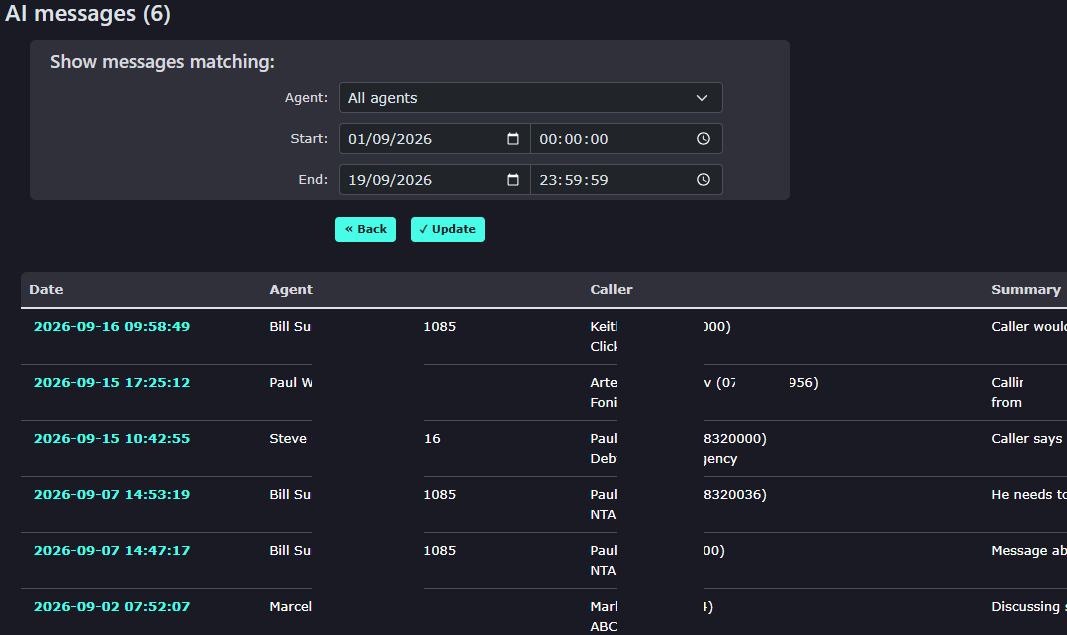
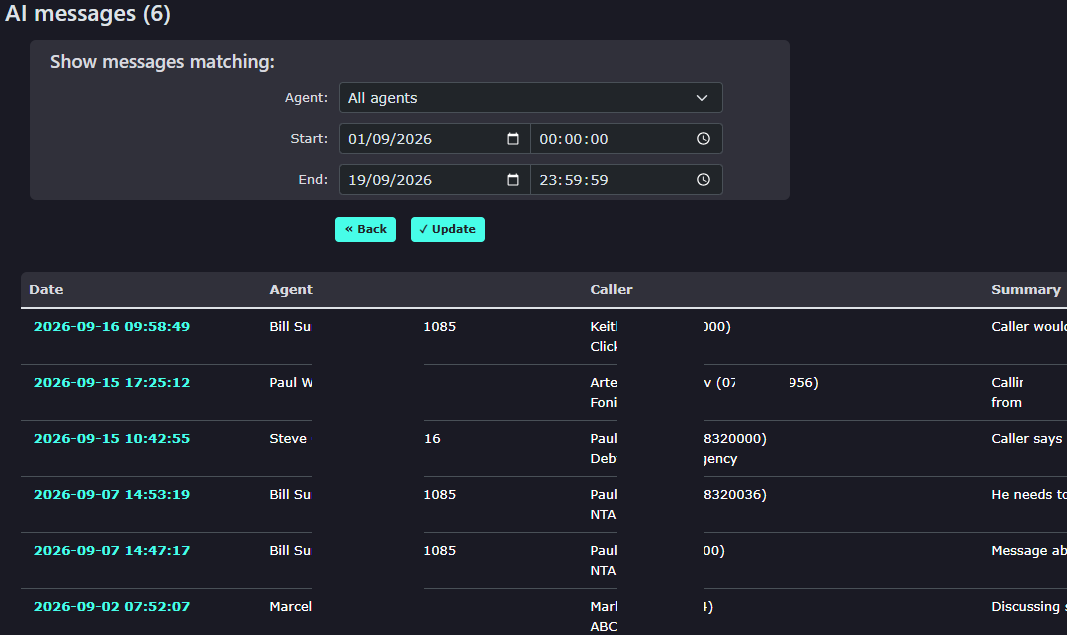
The full screen will give you a summary of each message received. |
|
|
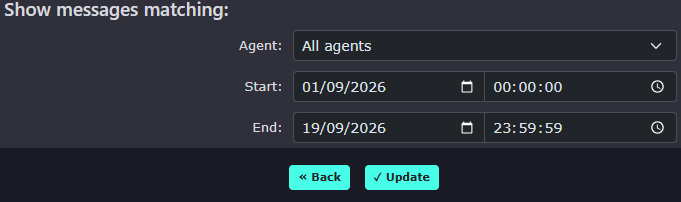
You can search for messages within a particular time frame by adjusting the search options. |
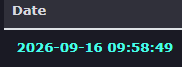
Clicking the Date and time will display the full message. |
|
|
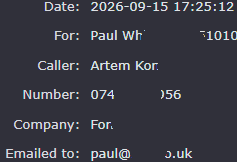
It will display call details and whate email address the message was sent to. |
It will show you the AI summary and the full message details. |