Group Hold
Group hold is currently available on the MobeX Touch handset and MobeX+ Mobile. It is also available on beta for MobeX Web and MobeX UC.
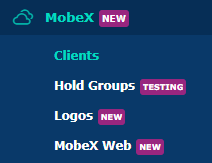
Go to the MobeX tab, then select the Group hold tab.
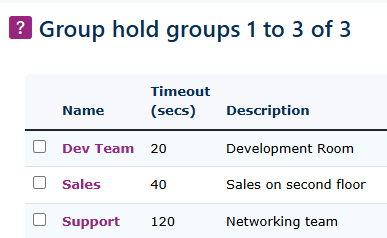
To create a new Group hold, click the New button on the bottom right-hand side of the screen.
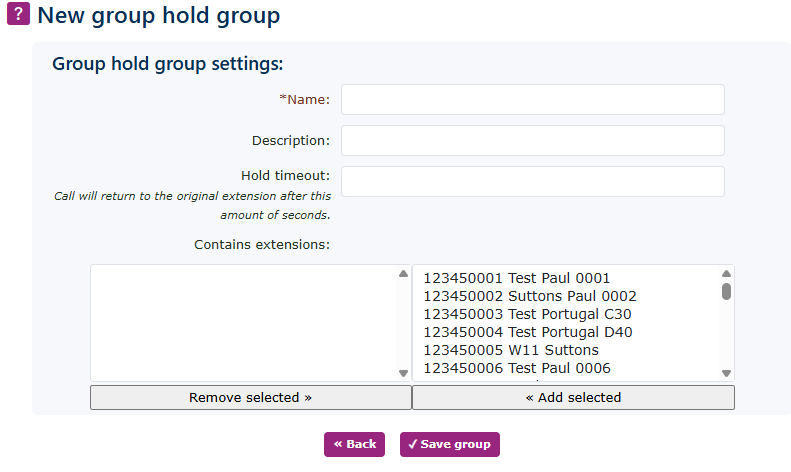
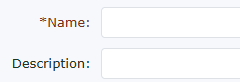
| Give the new group hold |
|
|
|
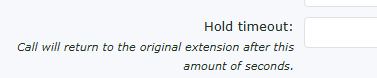
Enter the timeout time. This will be the amount of time the call will remain on hold until it returns to the original extension that first placed the call on hold.
3 (90 seconds) to 5 (300 seconds) minutes would be a recommended time for the recall period to expire. |
|
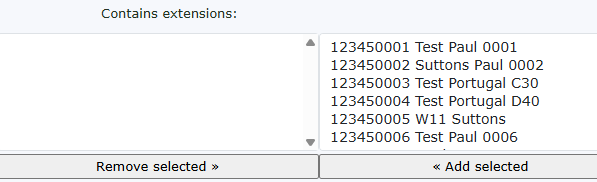
Then enter the extensions you would like to be part of this group. Only extensions using the MobeX client in the same group will be able to see each other's holding group calls.
Note: If you don't want to allow someone else to pick up your call, use local/exclusive hold so it remains on your extension alone. |
|
|
|
Don't forget to click the save group button. |